Building and Storing Agent Skills
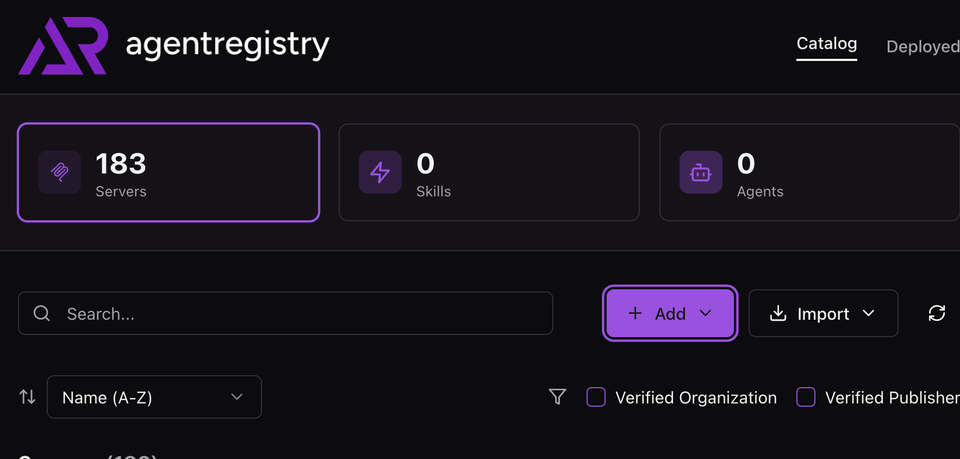
Extendable capabilities within any Agentic framework is key to a quality and performant output of an Agent. Whether you're writing code, designing a new logo for your product, or architecting a solution, the more information your Agent has, the better.
That's where Skills come into play.
In this blog post, you'll learn how to build and store Agent Skills for use with your Agents in agentregistry.
Prerequisites
To follow along from a hands-on perspective, you will need:
- The Docker engine installed. The most common method to accomplish this is with Docker desktop.
Quick Recap: What Are Skills?
Agent Skills are a method of extending an Agents knowledge. Because LLMs are trained with billions of parameters, often times, the information is rather "generic". With Agent Skills, they're built to have specific information about the need for the Agent. If there's a task to do something with agentgateway, there could be an agentgateway Skill.
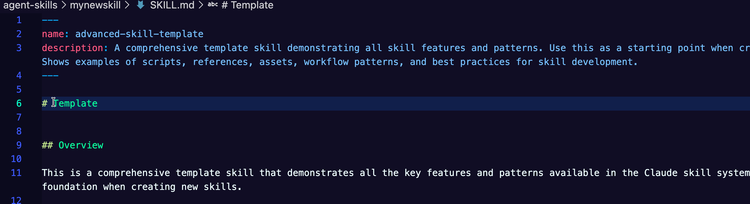
Skills are made up of an .md file (in this case, it's like a big prompt/instruction), code examples, docs/PDFs with info, and links/URLs point to specific info. This collection makes a Skill, and the goal of a Skill is to provide an Agent with specialized information.
Implementing Agentregistry
In this short section, you will get agentreigstry up and running. Luckily, it's only two commands.
- The first command is the installation of the binary.
curl -fsSL https://raw.githubusercontent.com/agentregistry-dev/agentregistry/main/scripts/get-arctl | bash- The second command could be anything from
arctl mcp listtoarctl version. When you run anarctlcommand, the agentregistry Daemon starts in the Docker engine, regardless of what command it is. If you already have agentregistry running, the existing configuration will be used.
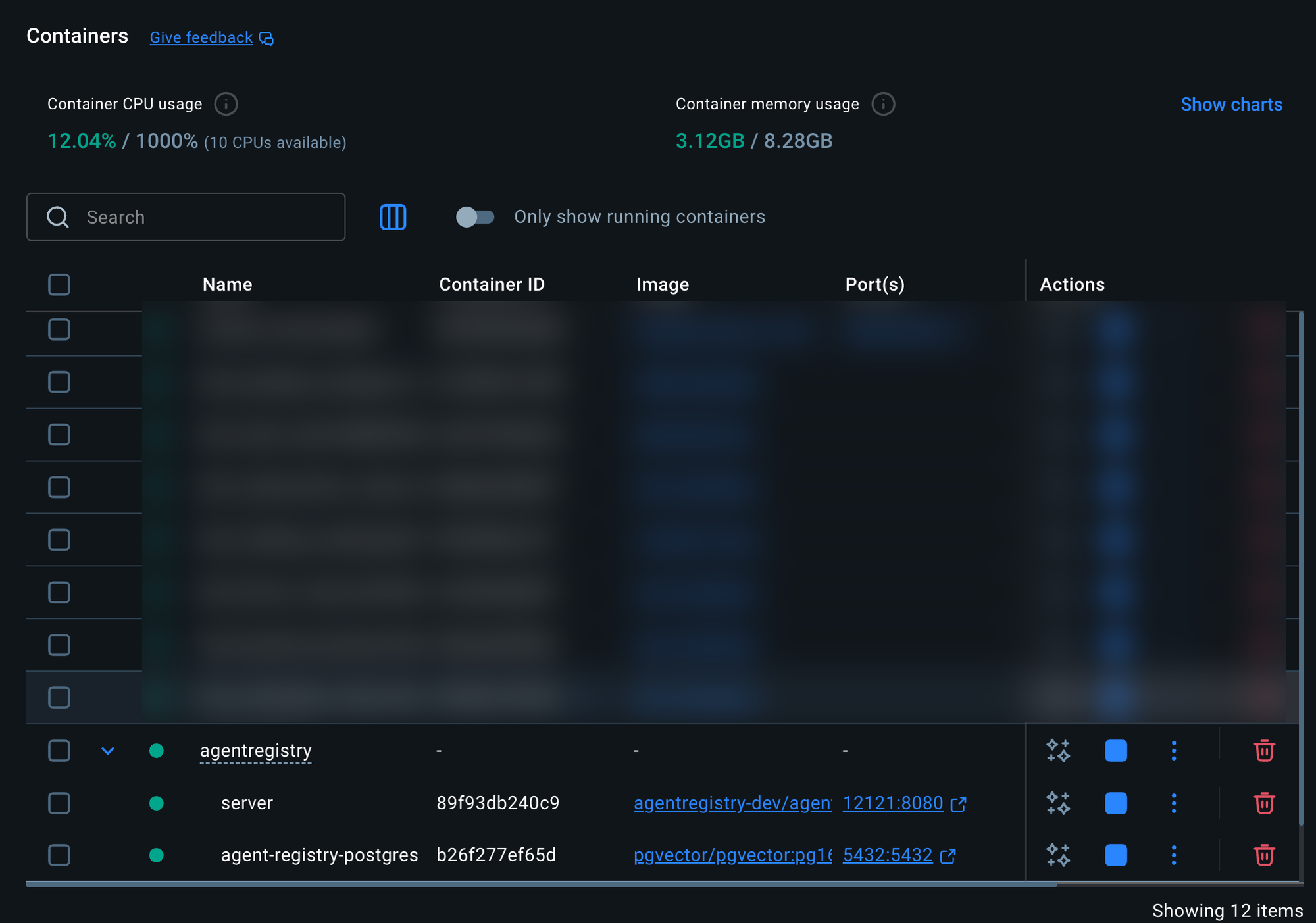
With agentregistry running, you can now create a Skill.
Creating A Skill In Agentregistry
When you create a Skill, the only thing that's mandatory is the SKILL.md file. Aside from that, the code examples, docs/PDFs, and links/URLs are optional. With this in mind, there are several methods of creating a Skill. Even with something like Claude Code or Codex, you can create a Skill.
To have a templated/structured Skill, you can use agentregistry.
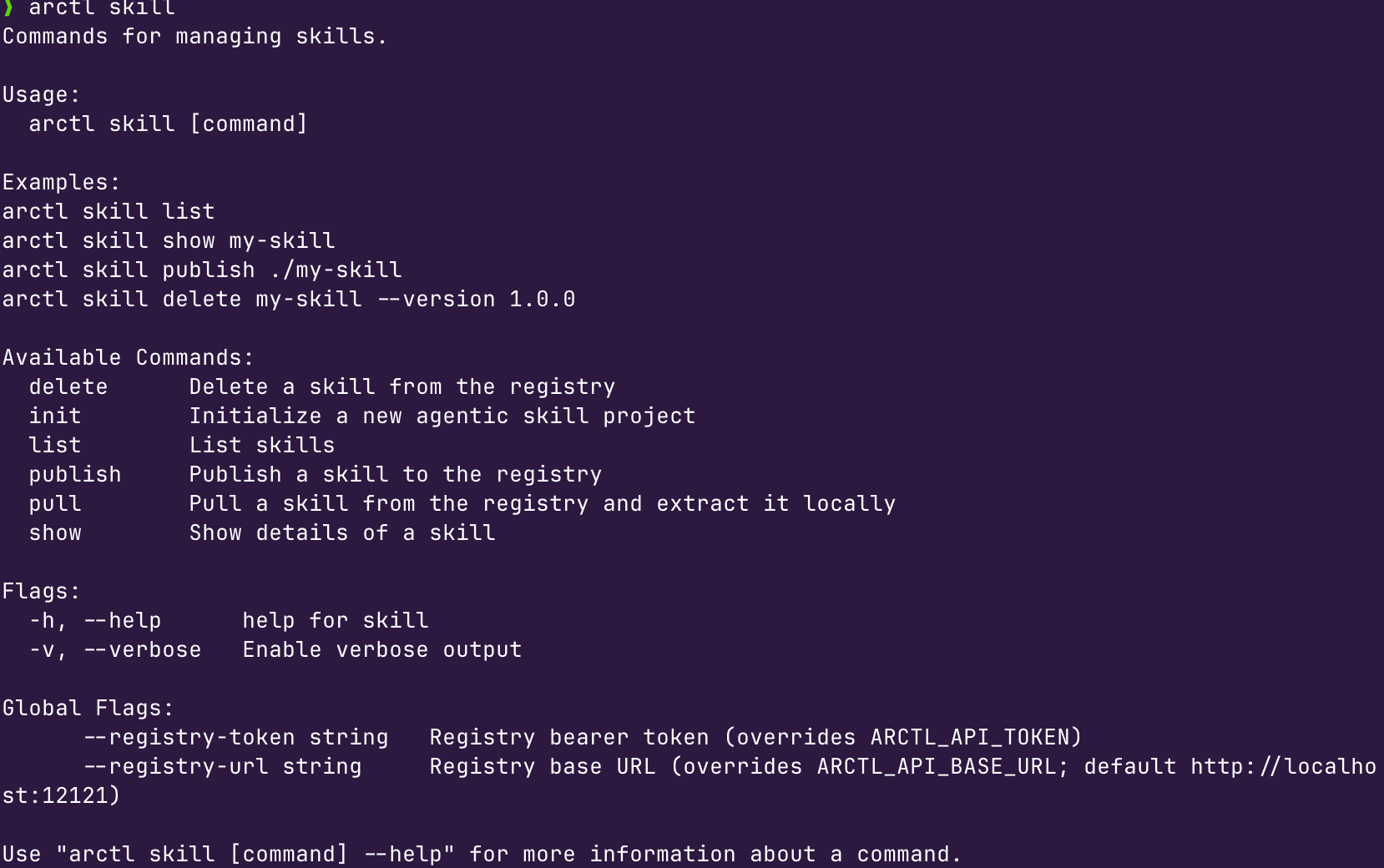
- The first step is to explore the command. Run the following:
arctl skillAnd you'll see an output similar to the below.
- Run the
initcomamnd to see what options are available.
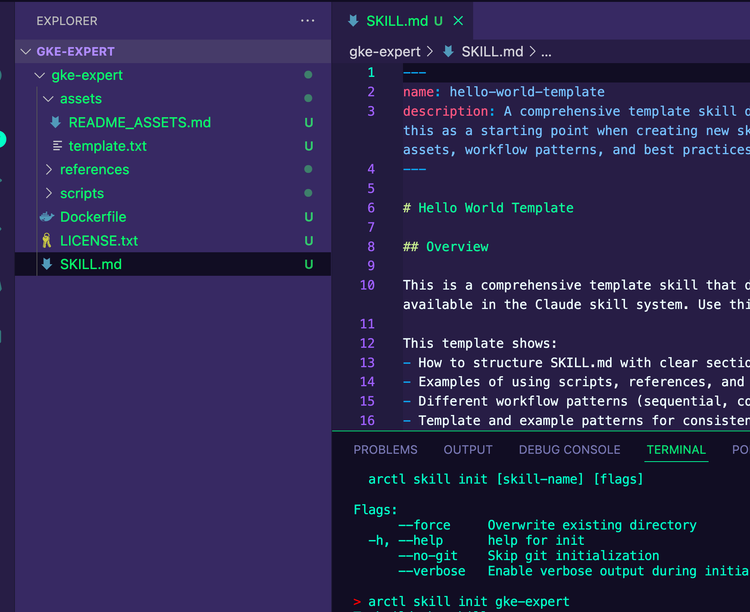
arctl skill init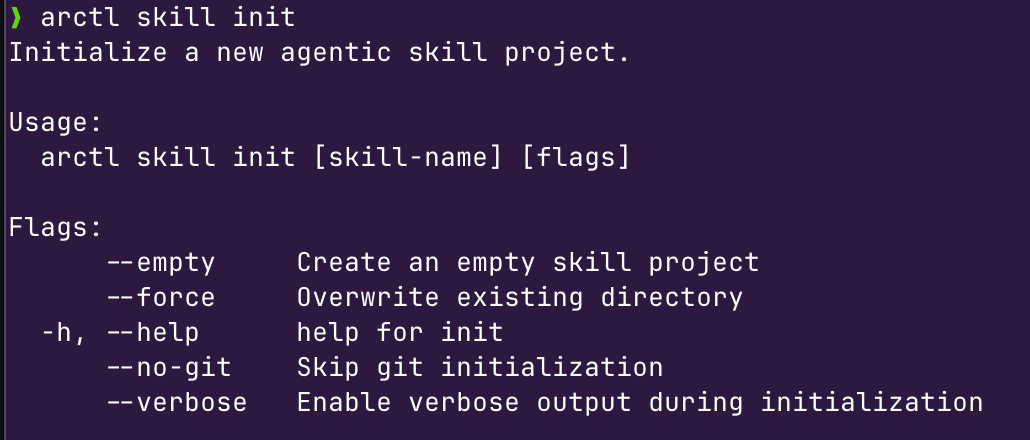
- For our purposes, we want to create a new, templated Skill, so we're going to use the
initcommand and give it a name.
arctl skill init agentgatewayskillThe Skill will now show within your directory.

- With the Agent Skill now created, the next phase is to take this Skill and store it in a Git repo. Push your Skill to your Git org in a repo that you can use in the next section for publishing.
Publish a Skill
With the Agent Skill created and pushed to GitHub, you can now bring the Skill down to agentregistry so you can use it for whatever Agent you'd like.
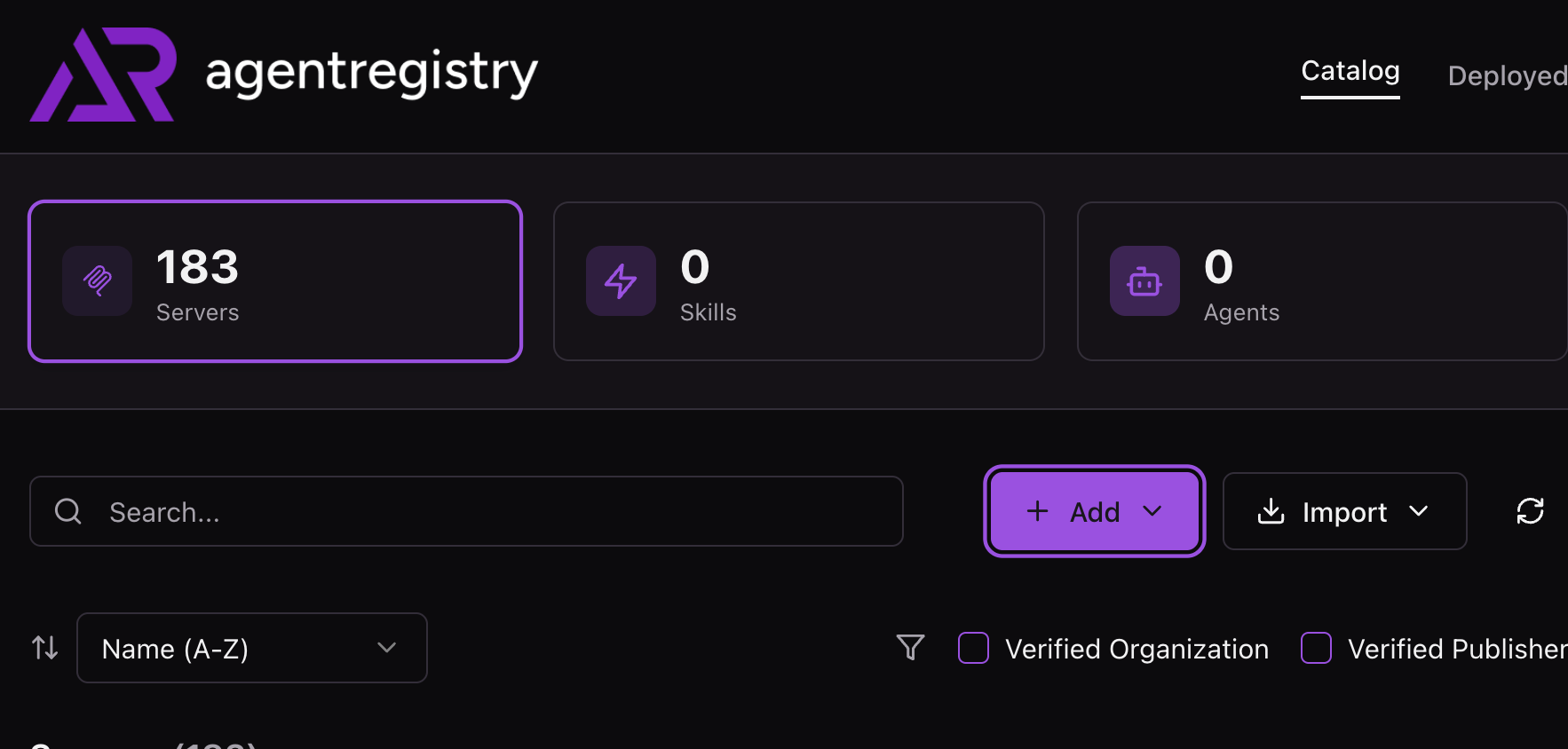
- Within agentregistry, click the purple + Add button.
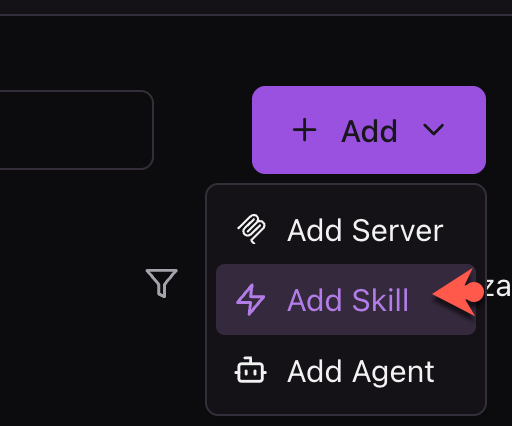
- Click the Add Skill button.
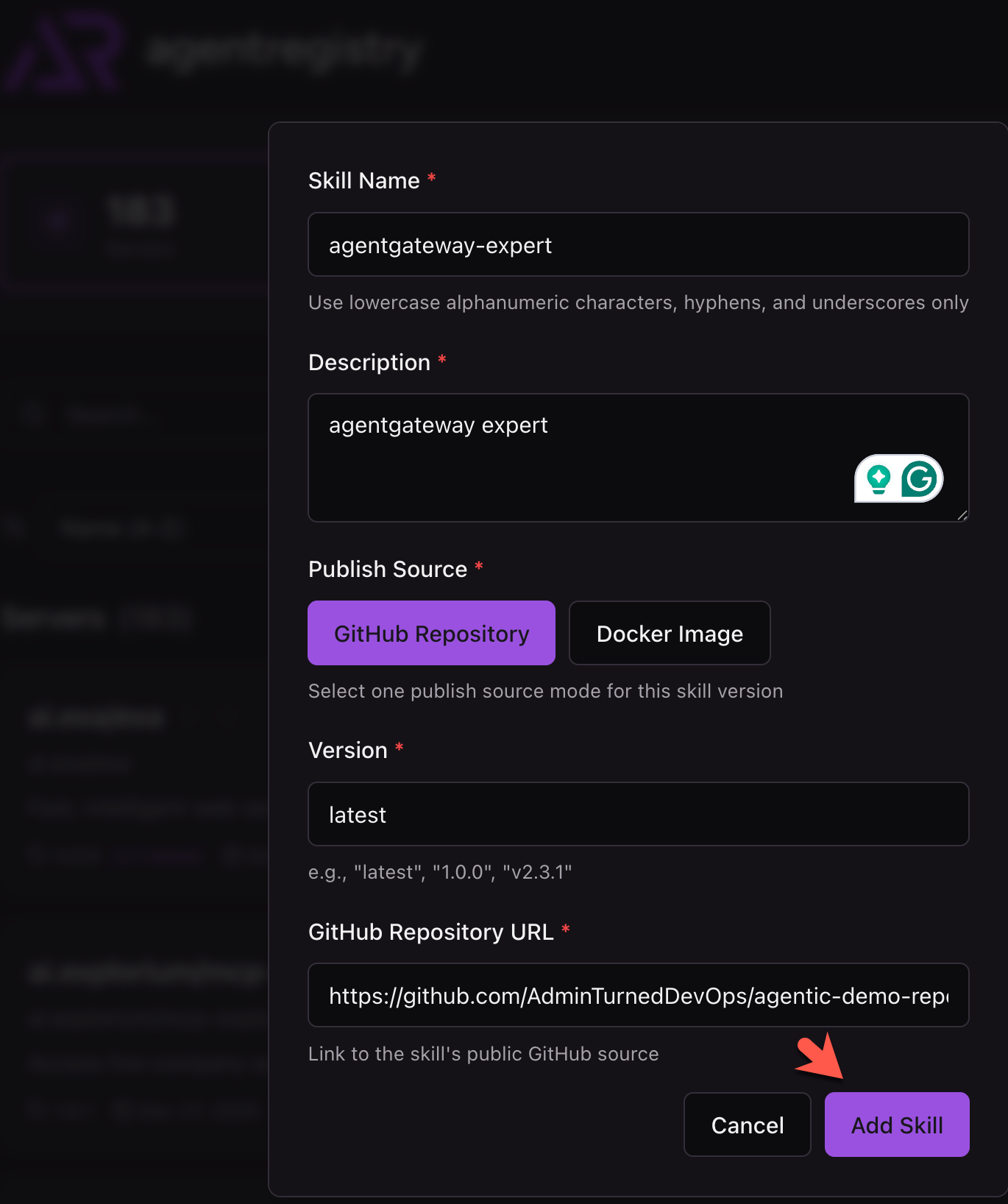
- Within the pane to add a Skill, give your Skill a name, description, and the path to the Skill.
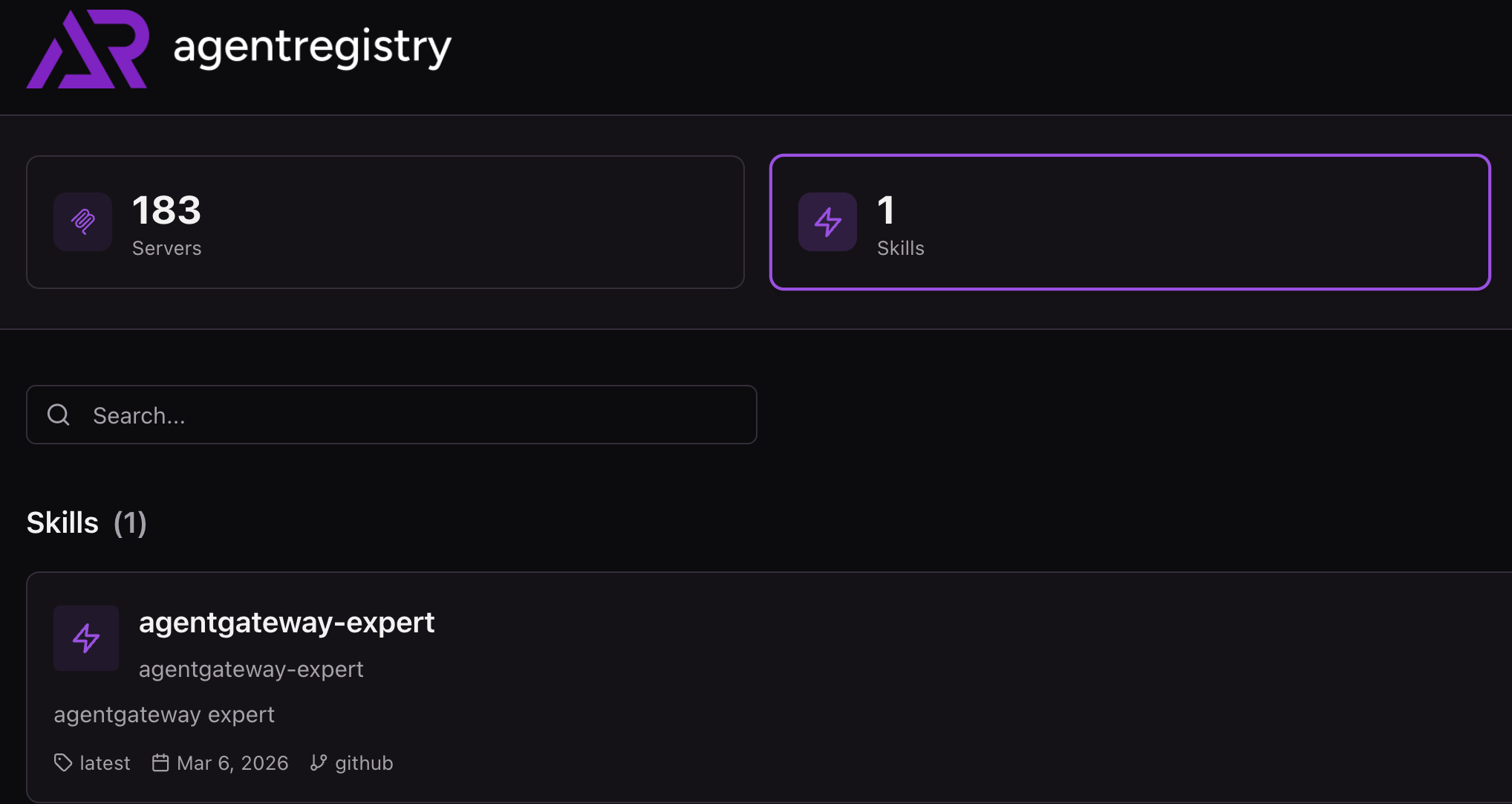
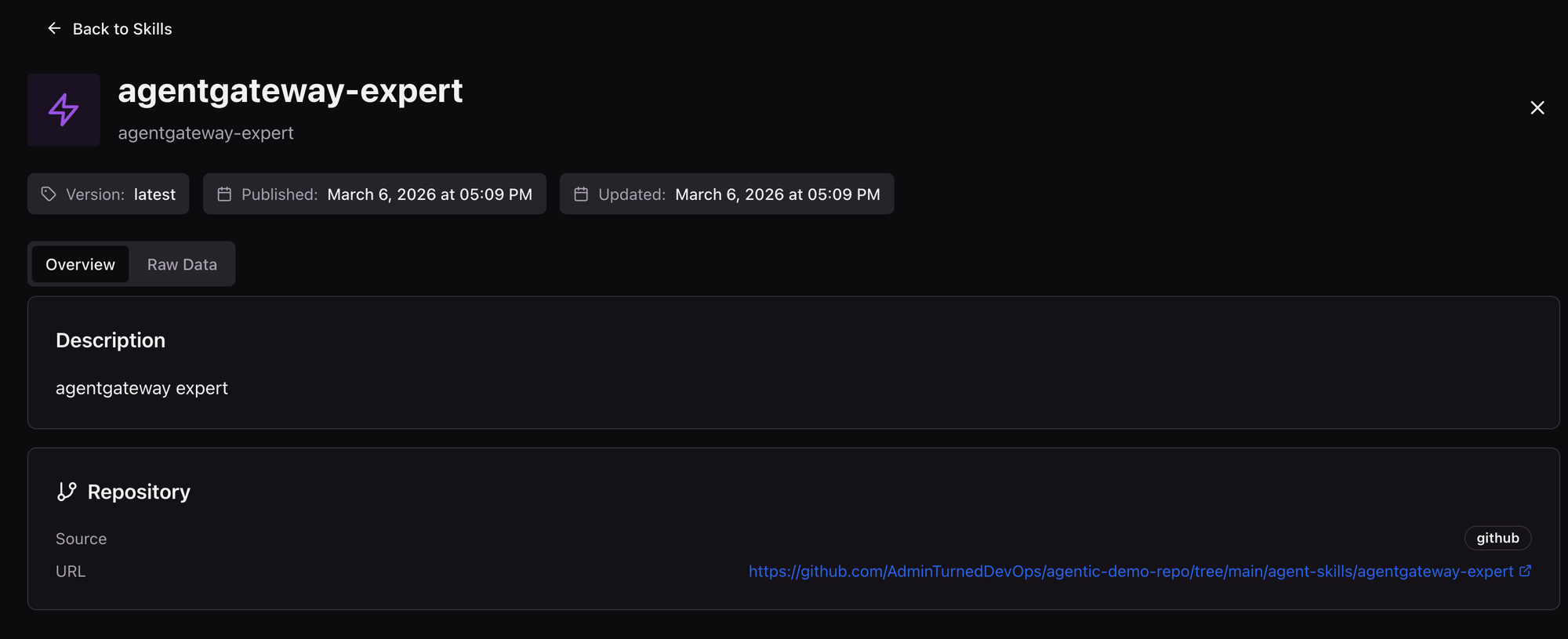
Just like that, the Skill is now added!
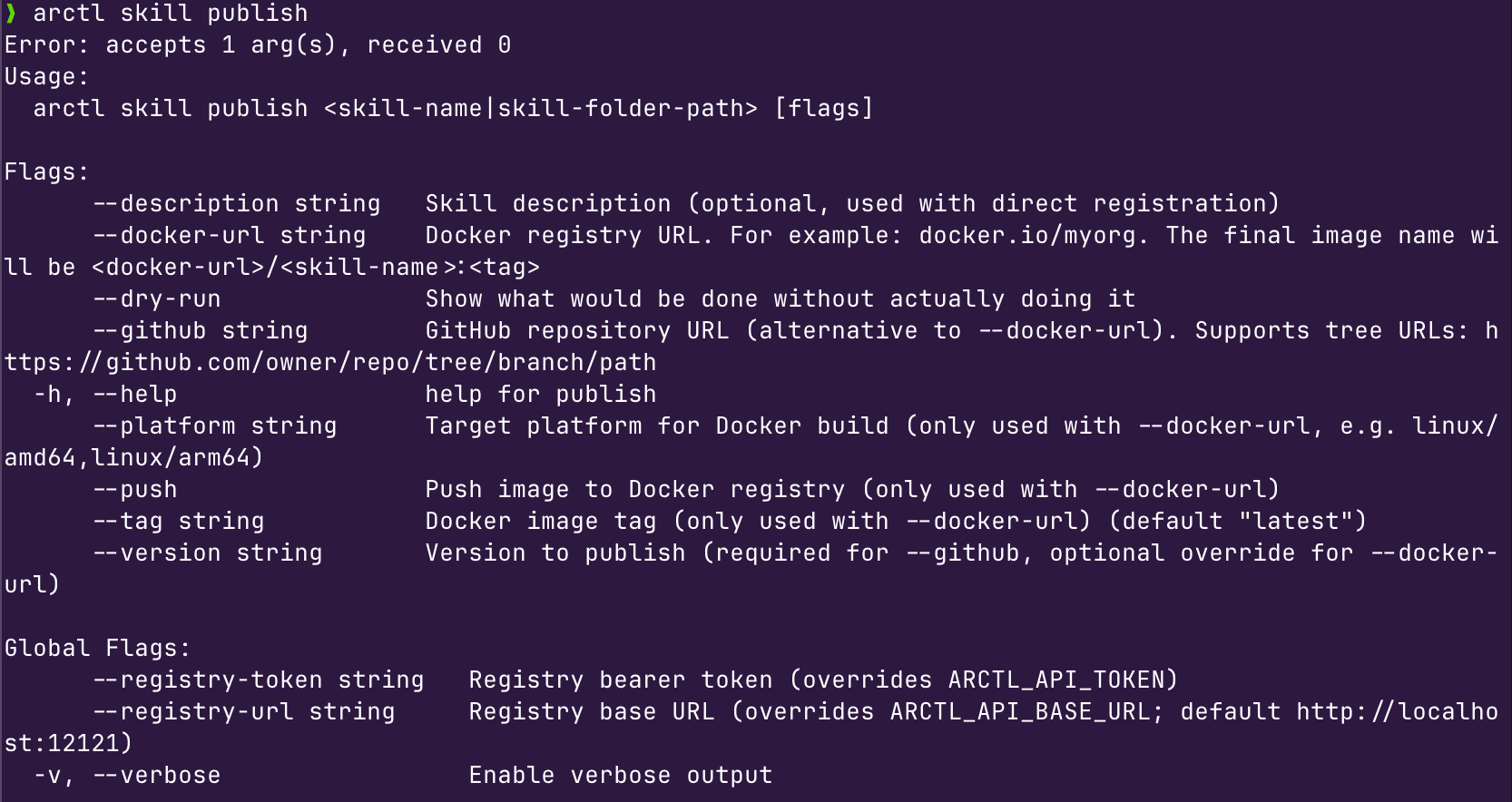
You can also add a Skill to agentregistry using the publish command if you'd prefer the CLI over the UI.

Comments ()