The Nvidia AI Supercomputer
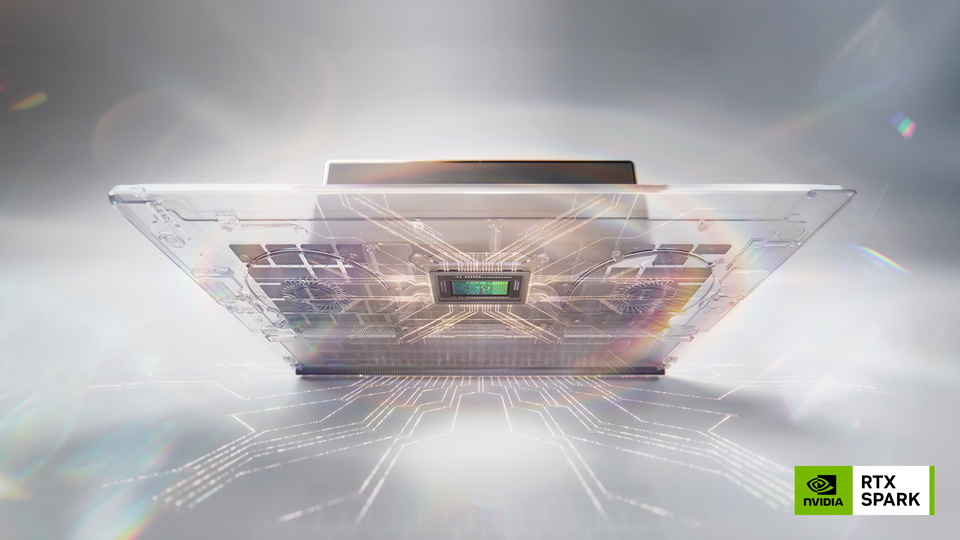
Every process, thread, and concurrent function runs on hardware. This may feel like an obvious statement, but the world often forgets just how important hardware is due to organizations not building their own data centers as frequently anymore with cloud providers being the primary method of utilizing compute.
In the world of AI, that mindset is shifting. Hardware is "cool again".
In this blog post, you'll learn about the latest "cool hardware" - the AI Supercomputer.
The System
The announcement for the AI supercomputer came from both Microsoft and Nvidia, and the computer is coined "Nvidia RTX Spark". The name comes from NVIDIA's superchip, which enables RTX graphics and CPU in one chip. The RTX Spark Superchip is NVIDIA's own design (originally, I thought maybe this had something to do with the Groq partnership, but that's not the case).
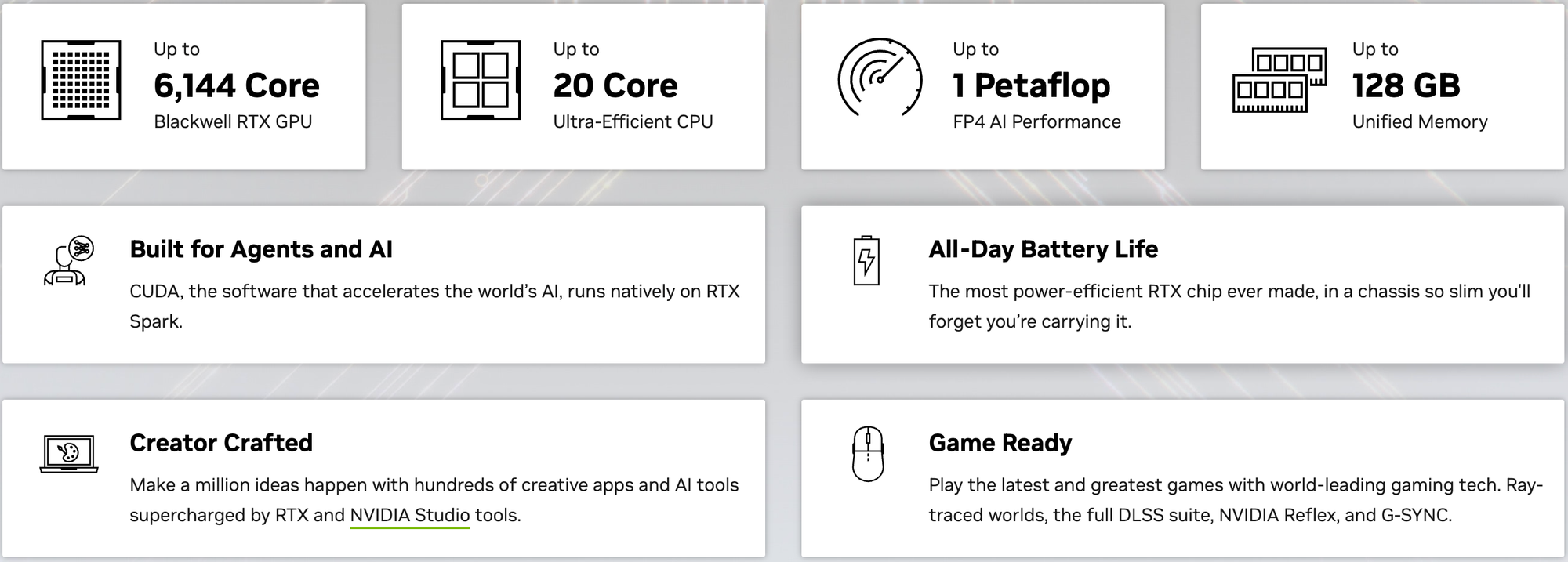
The overall goal of the system is to be the "all things AI, design, and gaming". This isn't much different than what the industry has seen prior to AI (e.g., you could buy a powerful gaming machine and do hardcore design on it), but the key difference is that the Blackwell GPU inside has dedicated resources of the supercomputer. Blackwell chips aren't general-purpose CPUs doing AI; they're purpose-built chips that can hit up to 1 petaflop of FP4 performance.
There are two versions:
- Desktop
- Laptop
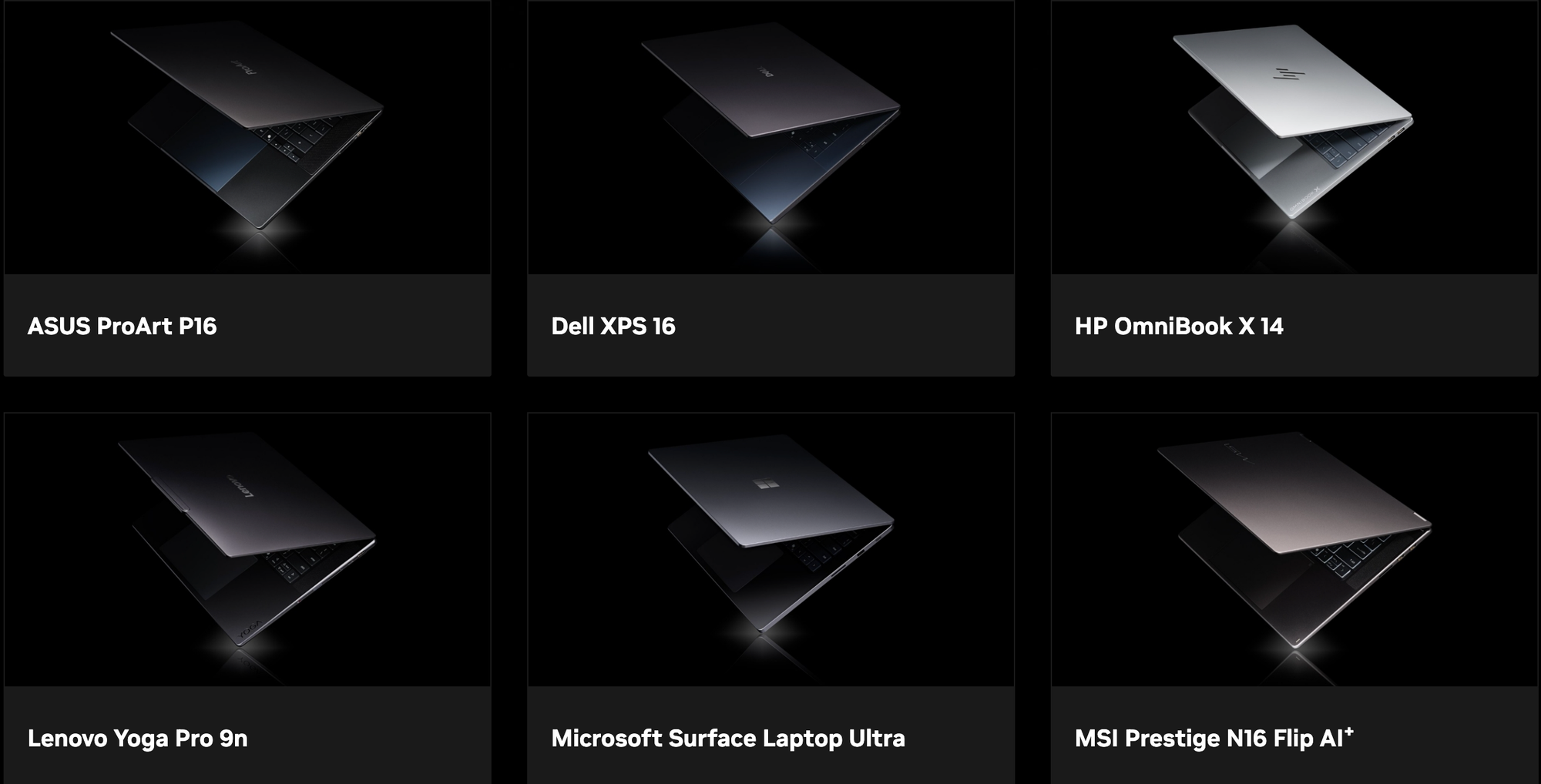
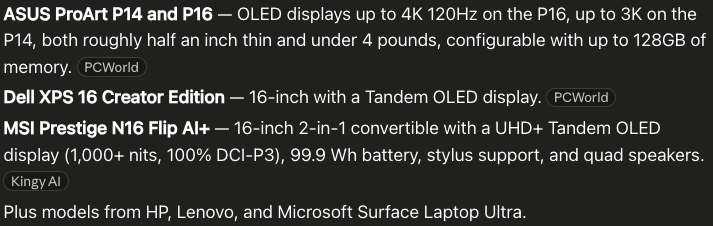
As of right now, the vendors that are participating are ASUS, Dell, HP, Lenovo, Microsoft, and MSI. These machines will run Windows. Not sure if all of these vendors will create desktops as well, but there will definitely be desktops.
This makes sense as Microsoft has been pushing hard in the AI era with Microsoft Foundry and enabling Windows 11 for AI-centric workloads.
- A dedicated NPU requirement for Copilot+ certification.
- The ability to run local Models.
- DirectML for hardware-accelerated inference.
- OpenClaw support.
With Windows always being the enterprise/personal computer leader and NVIDIA wants to make a big splash in this space (attempting to beat out Mac as they have their own chips now too), it makes sense for Microsoft and NVIDIA to team up to bring incredibly powerful systems to users.
Why Choose An AI Computer
CUDA compatibility.
Those two words pretty much sum it up, but let's dive into why. First, What's CUDA? High level; it's a way to use your GPU as a CPU. One chip, incredibly powerful outcomes. A CPU has a handful of very powerful cores that work to execute tasks sequentially and handle various tasks. A GPU has thousands of much simpler cores that can technically perform the same operations. If that's the case, why not go full GPU? That's why the Nvidia AI Supercomputer went in the direction that it did.
CUDA isn't new; it's been around since 2006. The thing is, you rarely see it utilized in personal computers. For large server/hardware manufacturers, it's been enabled for over 20 years, which is a big reason why server architecture has always been so powerful. Now, with AI pushing the needle, the goal is to bring that same power to personal computing.
Here's the thing - you might not care about AI. Maybe you've spun up ChatGPT a few times and used some AI Overview in Google, and even if that's the case, this type of machine is still interesting to you if you're working on intensive tasks (gaming, architecture, etc.). Microsoft and NVIDIA are marketing it as the "AI Supercomputer", but that's just because AI needs to be slapped on everything at the moment. The power, speed, performance, and capability that this type of computer brings is 100000% NOT just for AI workloads (although it can run Agents very well).
What About DGX?
If you've been following along with NVIDIA, you may have also heard of the DGX Spark. The DGX Spark has also been marketed as the "AI Supercomputer", but it's really more like the "AI server that can sit on your desktop". The RTX Supercomputers are personal laptops and desktops whereas the DGX is more of a server.
Specs:
- CPU: 20-core Arm, 10 Cortex-X925 + 10 Cortex-A725 Arm
- Tensor Cores: 5th Generation
- Storage: 4 TB NVME.M2 with self-encryption
- Tensor Performance: Up to 1 PFLOP FP4
- Memory: 128 GB LPDDR5x, coherent unified system memory
- OS: NVIDIA DGX OS
Specs
Here is what we know so far about the specs:
- CPU: Up to 20 Arm CPU cores, a Blackwell GPU with 6,144 CUDA cores,
- Memory: up to 128GB of LPDDR5X RAM
- Size, laptops: 14 and 16-inch
The CPU and GPU are connected via NVLink C2C.
To give some examples of what you can do with this type of power:
- It can run 120B parameter Models.
- High-performance data science tasks (Model training and fine-tuning).
- All games on 4K Ultra settings.

Comments ()