Using Agent Skills In VSCode

Although the idea around Agents, MCP Servers, and Agentic workflows is just about all everyone is talking about, it's important to remember that this cohort of work has only been around for a few years. Because of that, we all have to be comfortable with the idea that AI is a fast-moving space and standards will change.
With that, Skills are now an open standard from Anthropic.
In this blog post, you'll learn what Skills are and how to start using Agent Skills in VS Code with Copilot.
What Are Agent Skills
Created and developed at Anthropic, Skills are a collection of MD files, scripts, examples, and test scenarios that your Agent can use to perform specialized tasks. Think of them like a set of instructions.
Originally, Skills were a standard used solely by Anthropic Models/Agents. Now it's an open standard, much like MCP.
Installing VSCode Insiders
There are several ways to use Skills as it’s now an open standard. Let’s go through one of the ways with VSCode.
- Download the VS Code Insiders Build from the link below.
 Microsoft
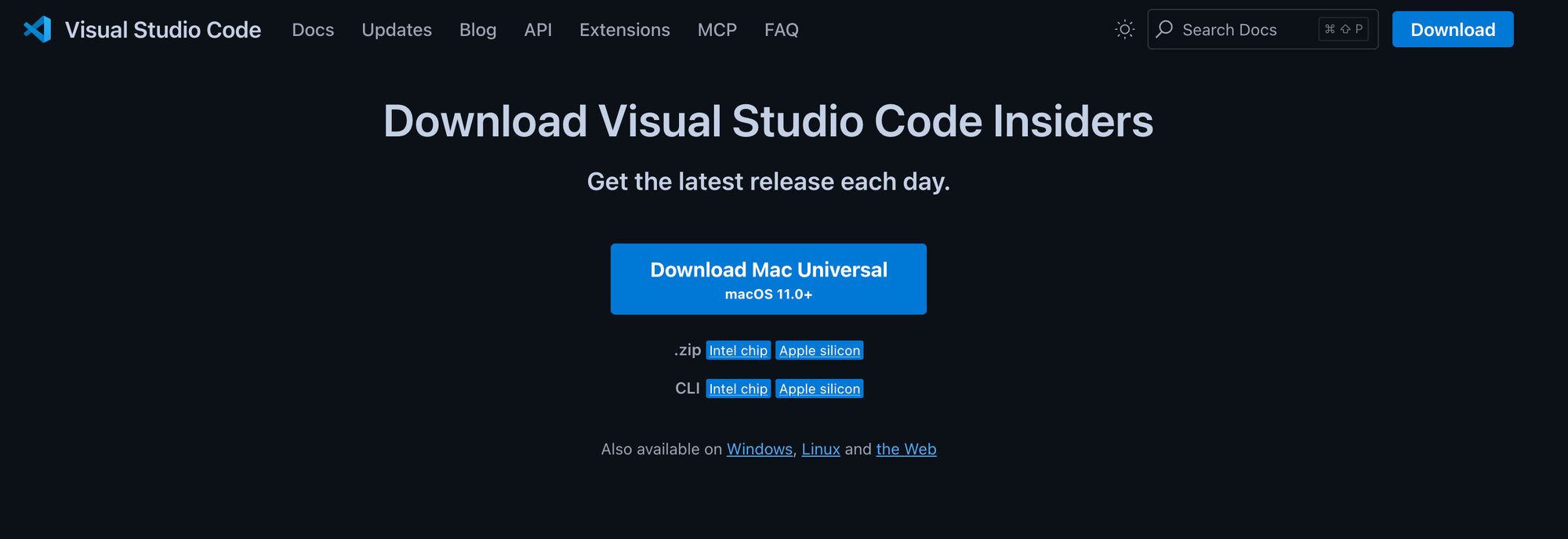
- Once downloaded and opened, you should see a screen similar to what VS Code usually looks like.
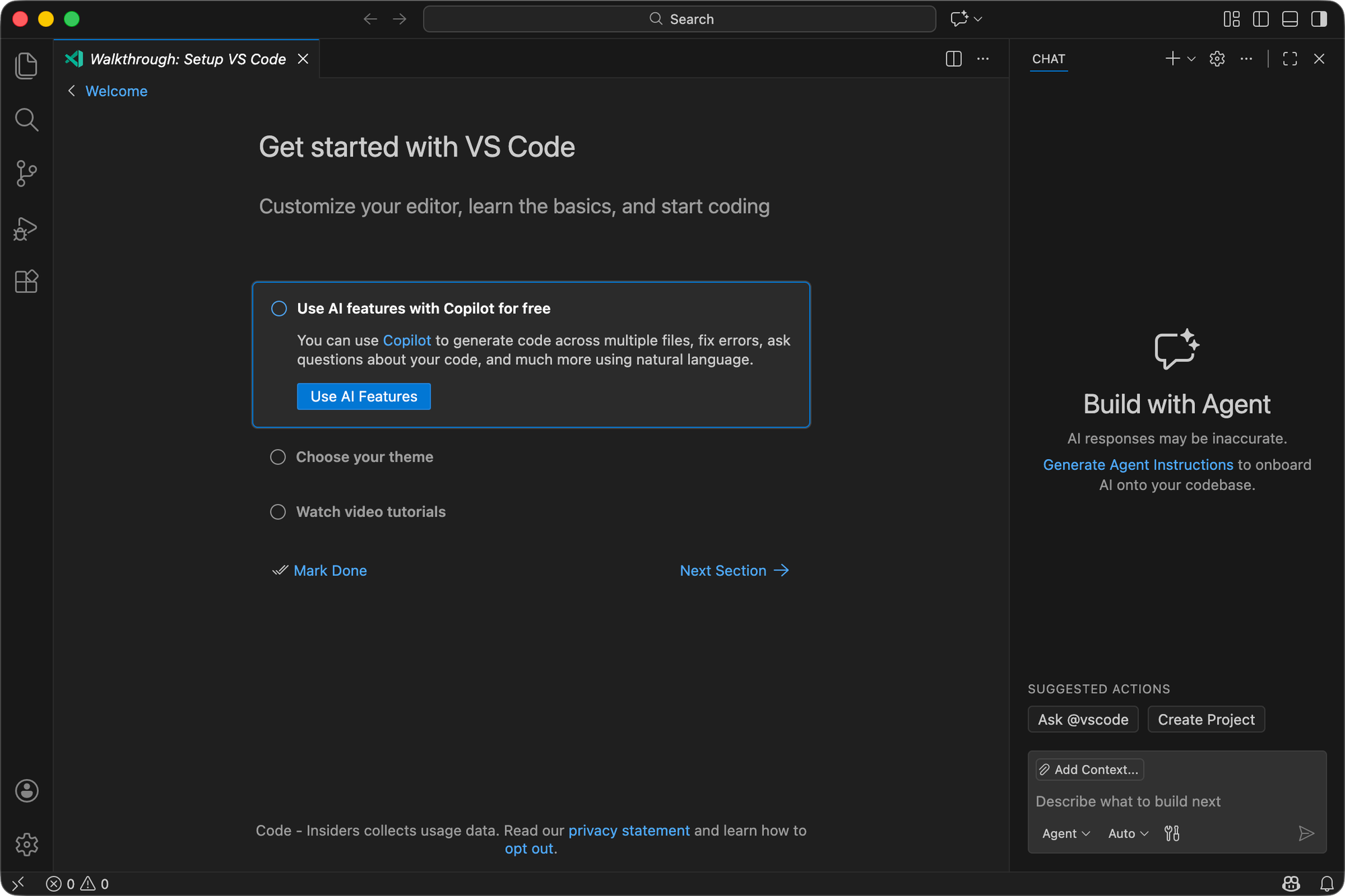
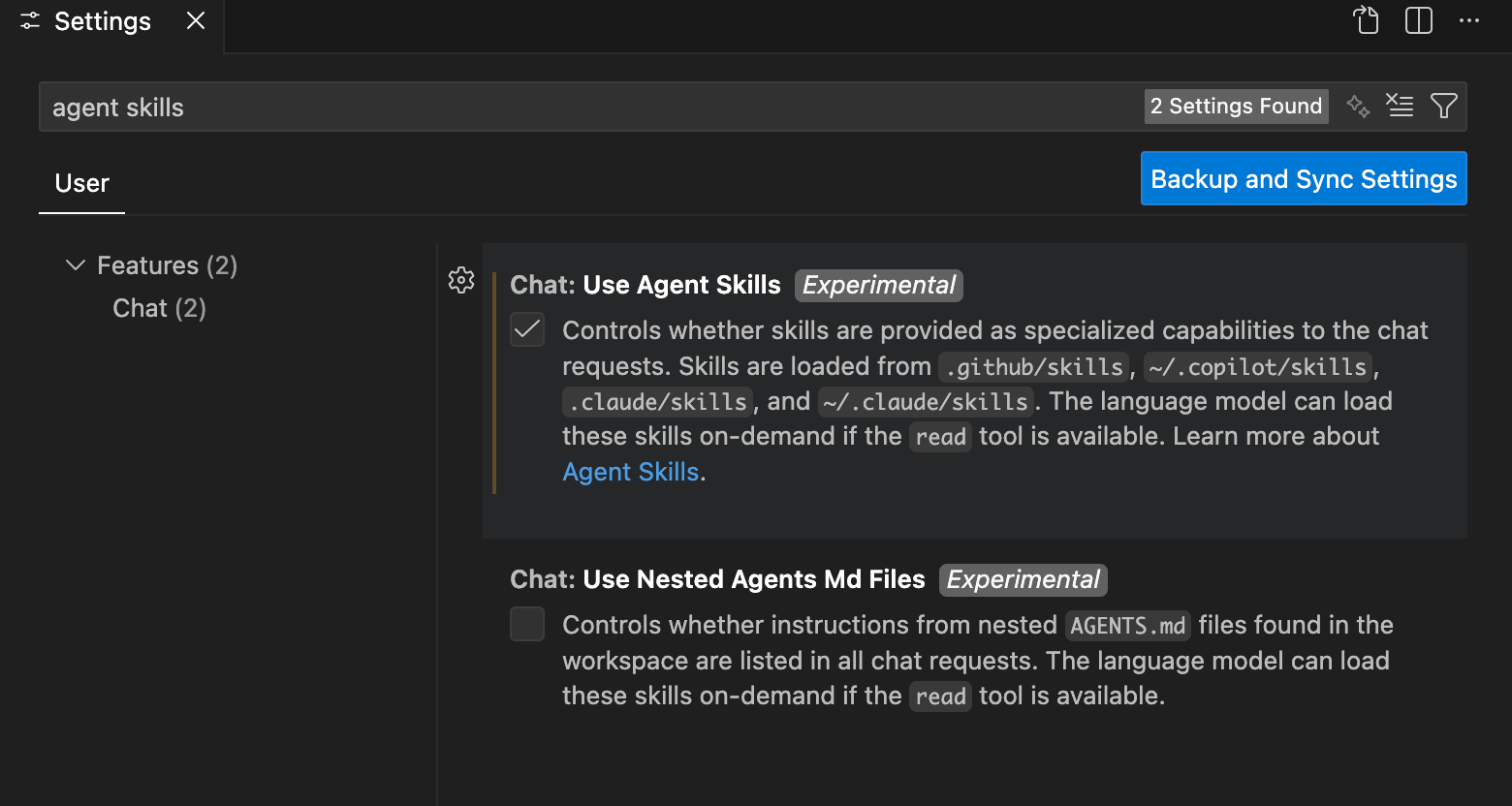
- Click the settings gear box icon on the bottom left.
- Check the box for Use Agent Skills
- Open an existing directory (or create a new one) to test out a Skill.
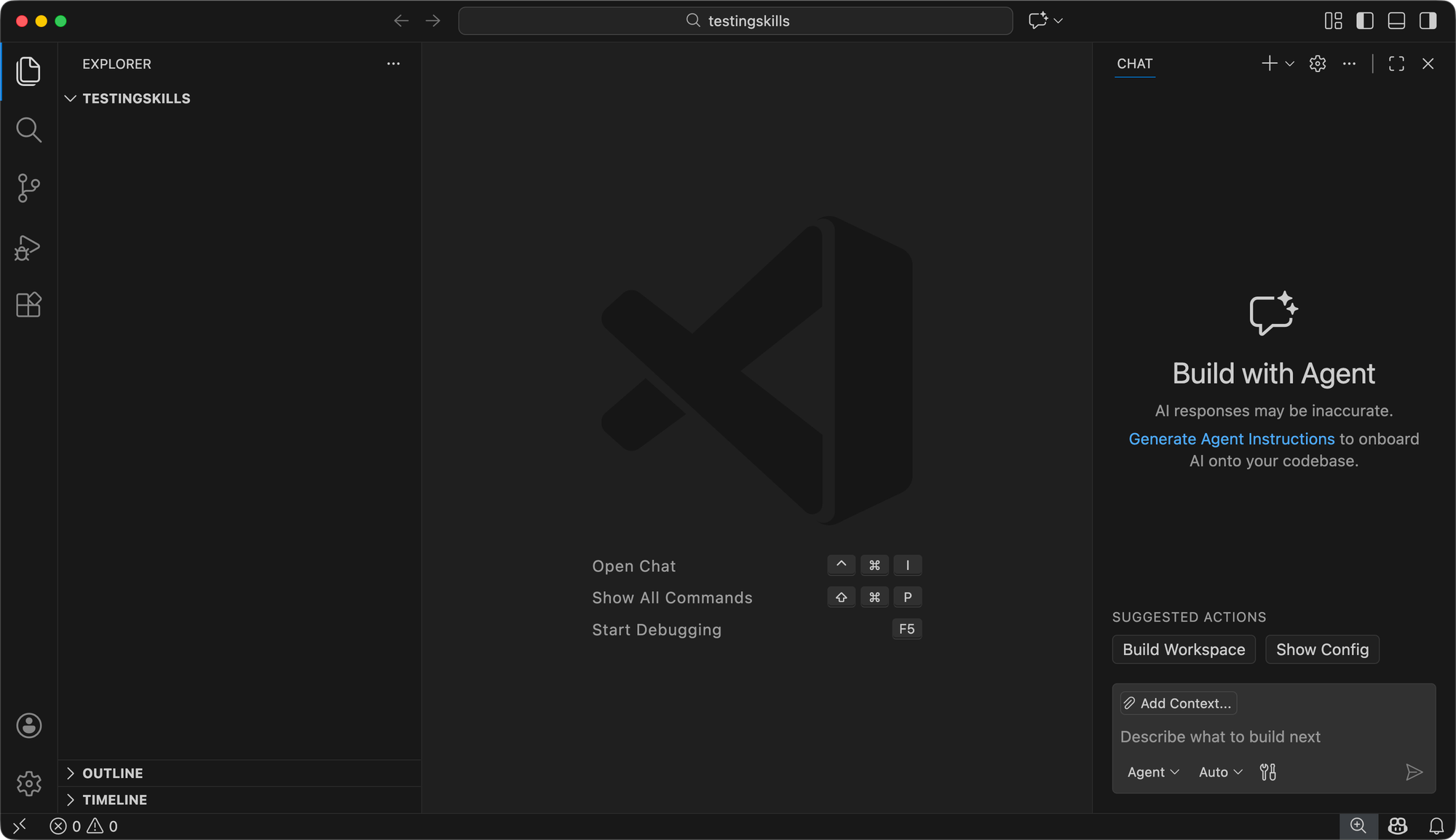
With the VSCode Insiders build installed and running, the next section will contain everything you need to create a new Skill with Copilot using any Agent/LLM.
Creating A Skill
Currently, there are two locations that are supported by VS Code for Skills:
.github/skills.claude/skills
The .claude path is for (and can still be used for, even though the standard is now open) Anthropic Skills. Agent Skills (the open standard) can be used in the .github location when using Copilot.
- Create a new directory called
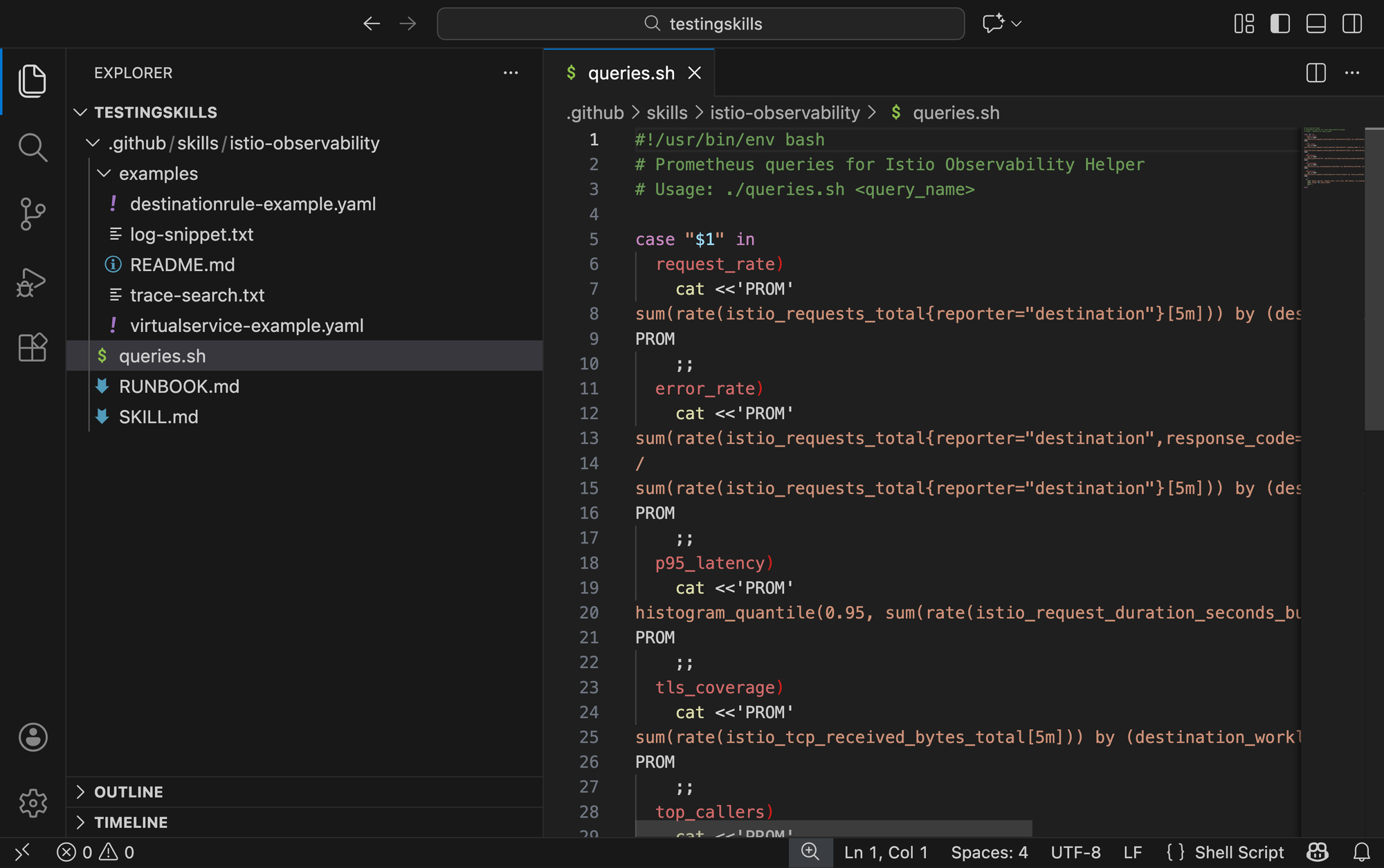
.github/skills/istio-observability. - Within the directory, create a file called
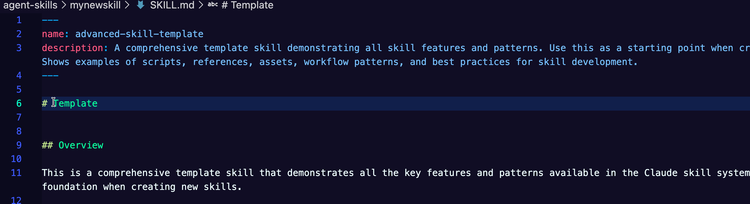
SKILL.md.
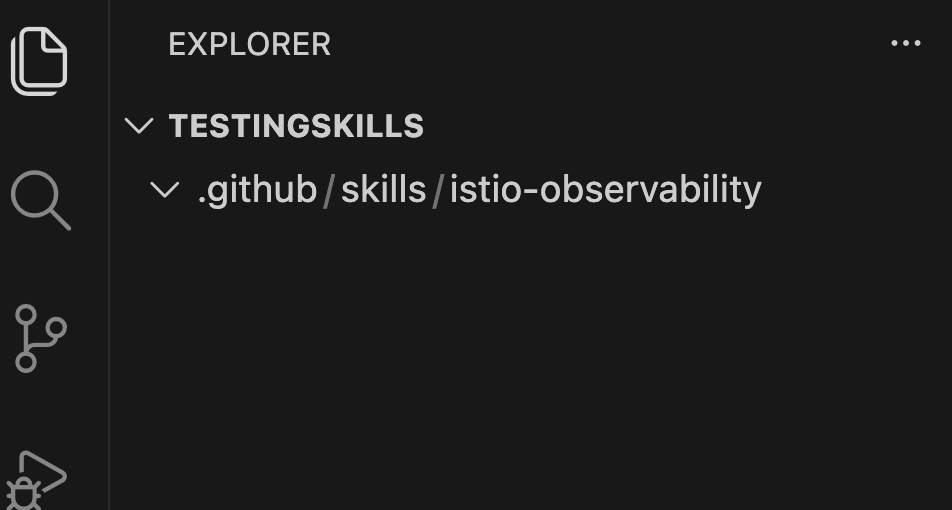
- Prompt Copilot with the following:
Create me a SKILL.md (put the skil into the SKILL.md file that already exists) for an Istio Observability Helper/Skill
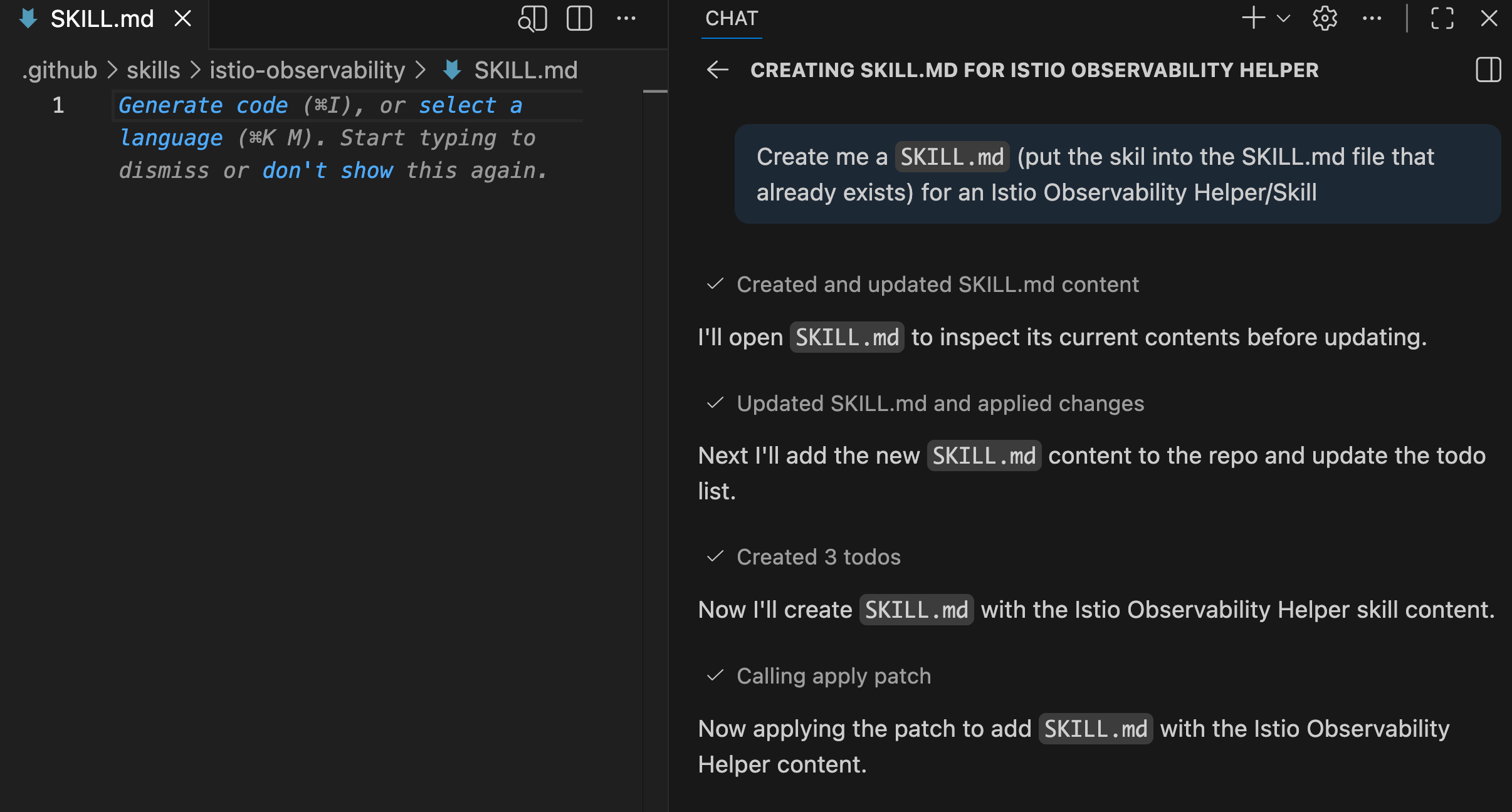
- You'll now see the
SKILL.mdfile.
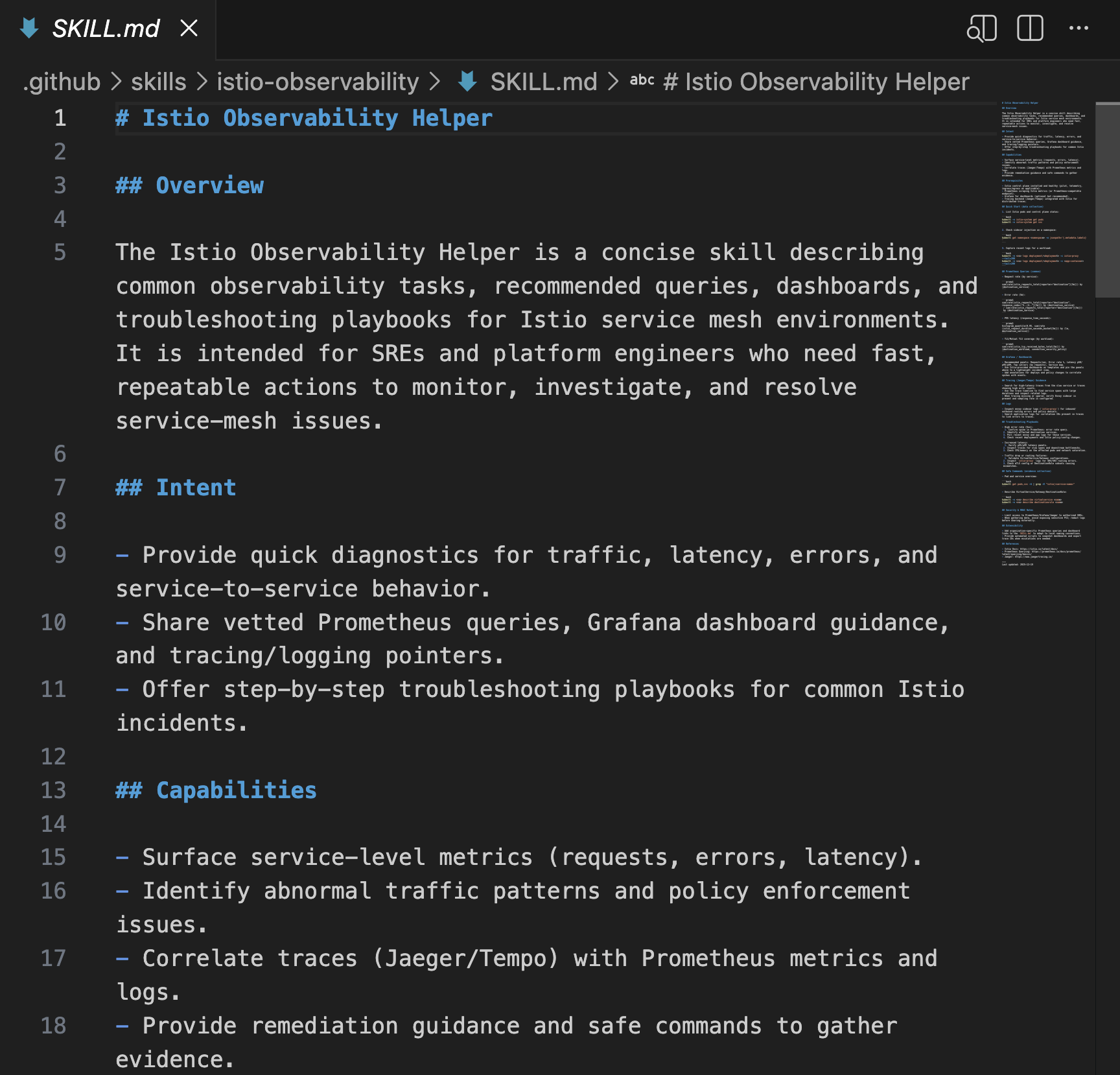
Aside from the SKILLS.md file, a Skill can also have code examples, scripts, PDF files, other MD fles, and runbooks.
- Create/run another prompt with the following:
Create me three things:
- A One-page incident runbook based on the skill
- A script file that has all of the Prometheus queries that would be needed for this skill
- an `examples` directory that has examples for this skill
Putting it all together, you should now have a good prototype Skill for Istio observability.
Wrapping Up
As AI continues to evolve for all teams, both engineering and leadership, standards and workflows will also evolve. Agent Skills, now an open standard from Anthropic, is next on the list of evolution, and if it takes off like Model Context Protocol (MCP), it'll be an important standardization to pay attention to.

Comments ()