Creating Your First Agent Skill: A Hands-On Tutorial
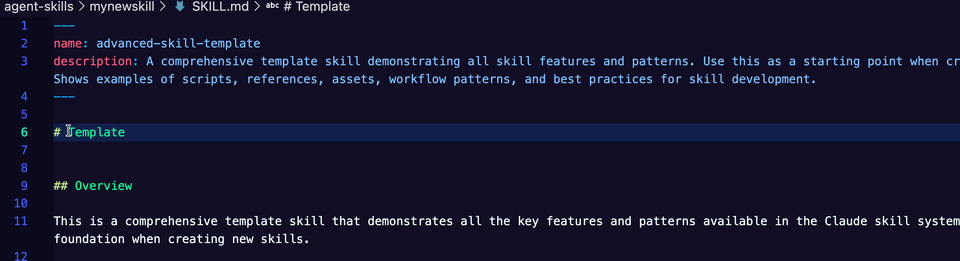
Accuracy and quality of output from an Agent is the make or break between what's truly usable across the enterprise and what's simply a toy. Aside from taking the time to either build a Model or fine-tune a local Model, the current best way to expand an Agents for the best output is by using Agent Skills.
In this blog post, you'll learn what Skills are and how to create hot-swappable skills (using various Skills for one Agent).
Skills Breakdown
Let's start with a little history lesson, and it's important to understand for moving forward with Skills. In October of 2025, Anthropic released Anthropic Skills, which is a product specifically for Anthropic Models. December 18th, 2025, Anthropic created an open standard for cross-platform (cross LLM provider) usage, which is called Agent Skills. Now, you can create Skills for any Agent to use and it doesn't matter which Model is in use.
The three main questions are:
- Are there Skills that are currently available and maintained?
- Where can you store Skills for easy use and access by various Agents?
- How can you create your own Skills?
A Curated List Of Agent Skills
If you're using Anthropic, there is a set of maintained Skills that can be used by anyone. You can list the managed Skills via the Anthropic API that are currently available.
Create an Anthropic API key and store it as an environment variable.
export ANTHROPIC_API_KEYThen, with a few lines of Python, you can see what managed Skills are available.
import anthropic

client = anthropic.Anthropic()

skills = client.beta.skills.list(
    limit=100,
    source="anthropic",
)

for skill in skills.data:
    print(f"{skill.id}: {skill.display_title}")
There are also various Skills that people have created and stored on GitHub, which you can find here. The next question is, how can you store Skills in one location so everyone on the team can use them effectively?
Collecting and Storing Skills
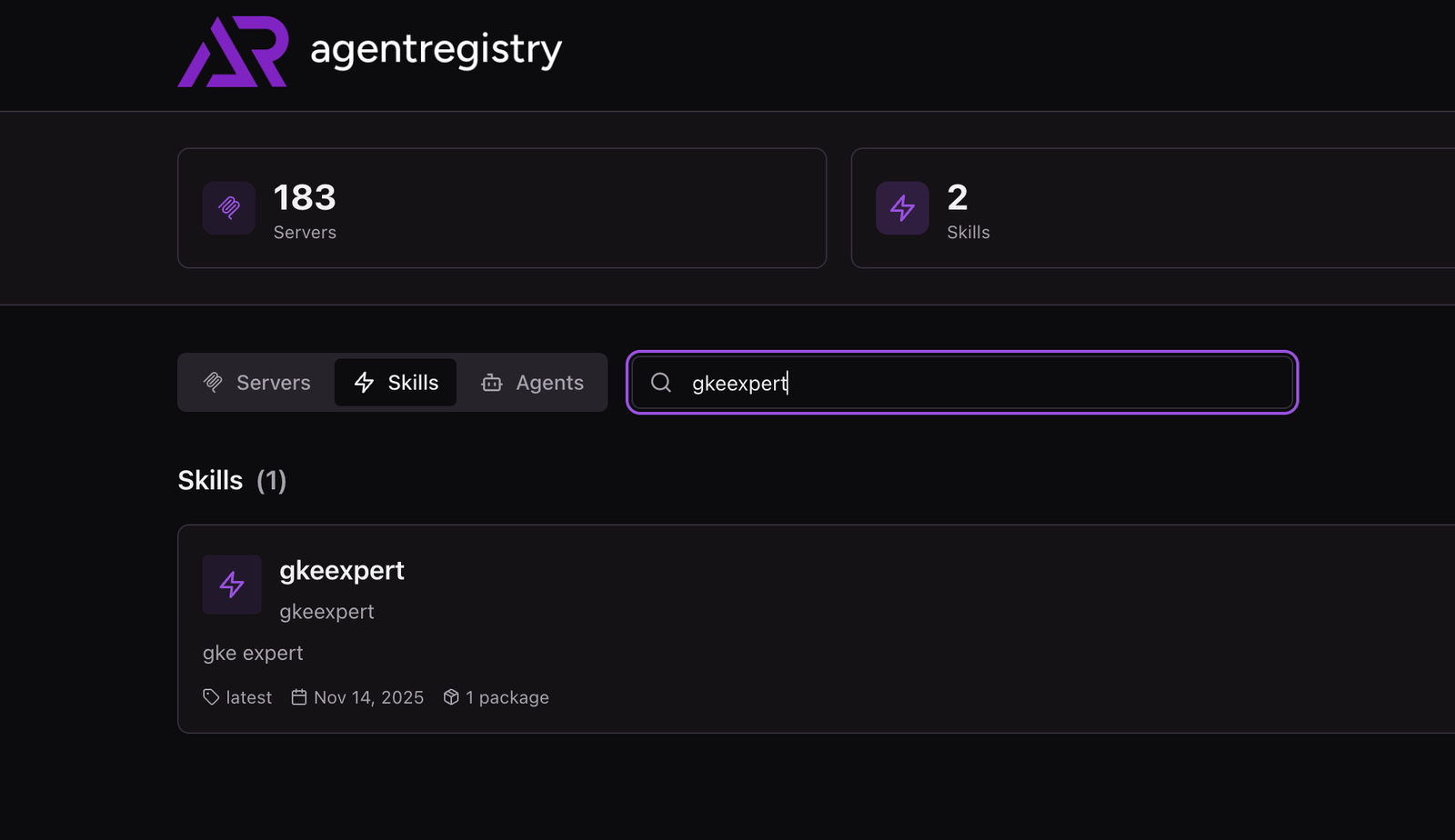
With all the Skills now being created and used across various Agents, you'll need a way to store them in a registry. You can store Skills directly in agentregistry so you have a central location to view, update, and use them.
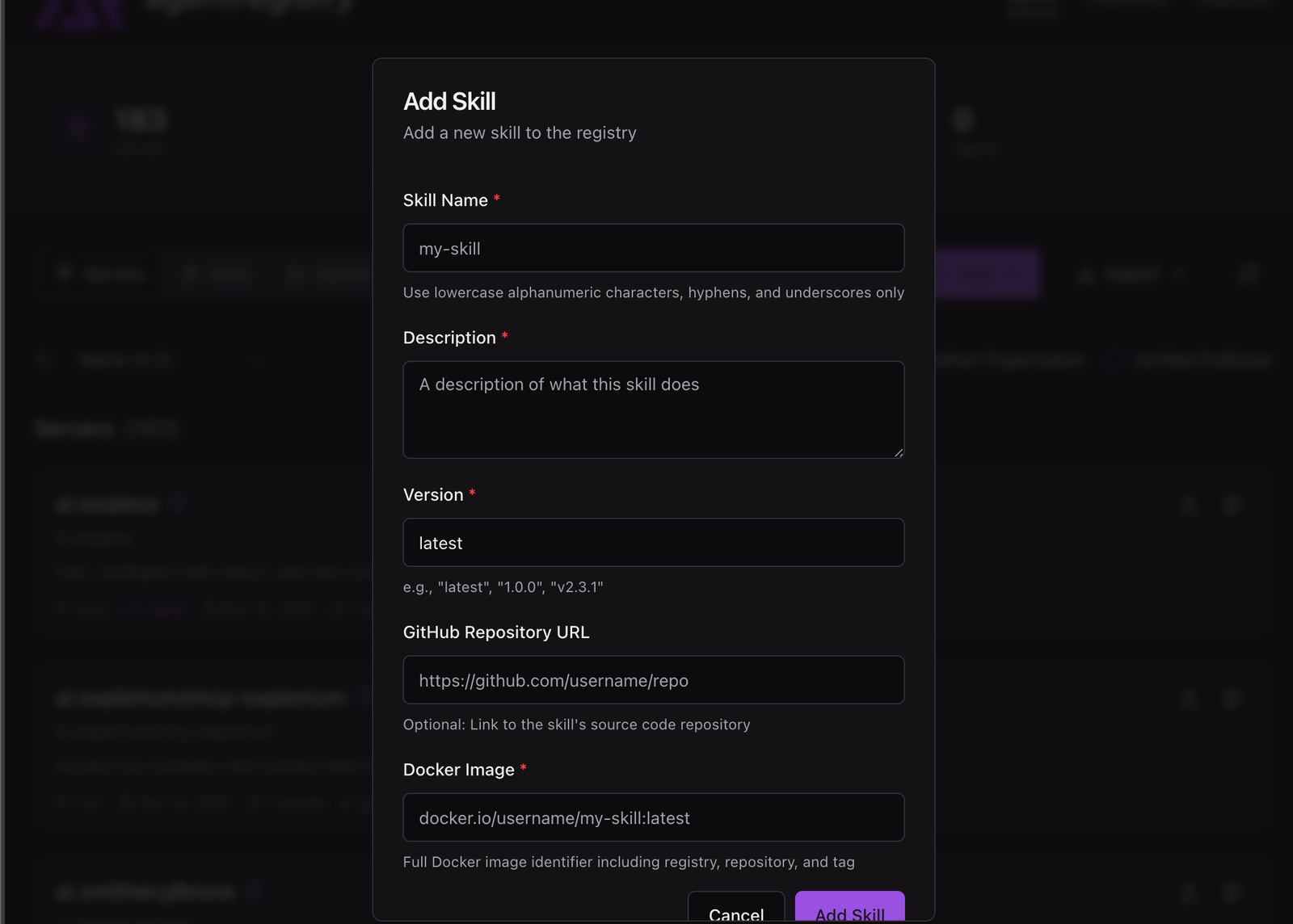
Although it may seem easy and straightforward to store skills in GitHub, think about how many Skills will be created and used by various Agents. These Skills will need to be maintained, updated, and secured (prompt injection is a big one to think about with Skills). They'll also need to be easily accessible by various team members and searching through various git repos may not be the most straightforward approach.
Creating Skills
When creating a Skill, you can have anything within the Skill from PDFs to example code to various URLs to information. Depending on what Model/provider you're using, you may have additional functionality with Skills. For example, if you use Codex, there's native functionality to incorporate an MCP Server within the agents/openai.yaml file/directory.
dependencies:
  tools:
    - type: "mcp"
      value: "openaiDeveloperDocs"
      transport: "streamable_http"
      url: "https://developers.openai.com/mcp"
The number one thing to keep in mind when creating a Skill is that regardless of what the Skill is, the one thing that's mandatory is a SKILL.md file. This is the main "prompt". Everything else is optional, but the common directories you'll see are:
scripts/: executable codereferences/: documentationassets/: templates, images, resources
You can create the scaffolding yourself or use a more automated solution with the arctl (agentregistry CLI).
Run the following command:
arctl skill init mynewskillYou'll see a scaffolding that looks similar to the one below, which is great for getting you started.
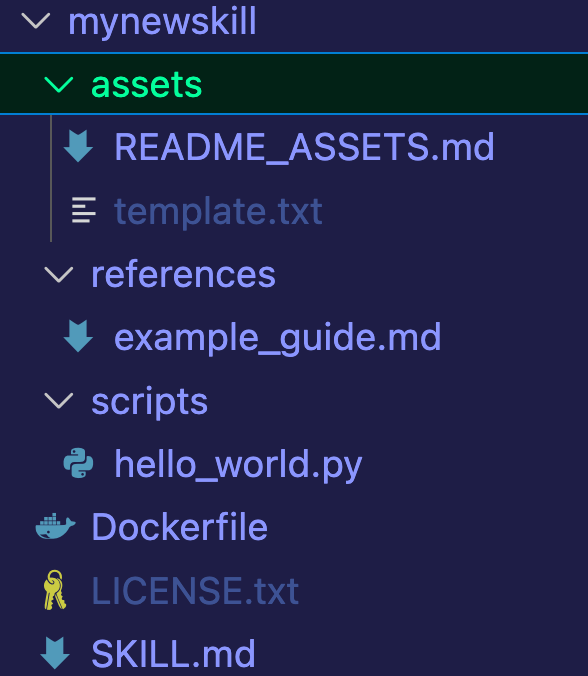
The next stage is taking a Skill and ensuring that an Agent can use it to extend its knowledge base, functionality, and make sure there is quality output.
Connecting Skills To Agents
After creating Skills, the next phase is actually being able to use those Skills. The good news is that because Agent Skills is an open standard, the approach to using them per Provider, conceptually, is the same.
- Ensure that the Skills are in the directory that the Provider is expecting.
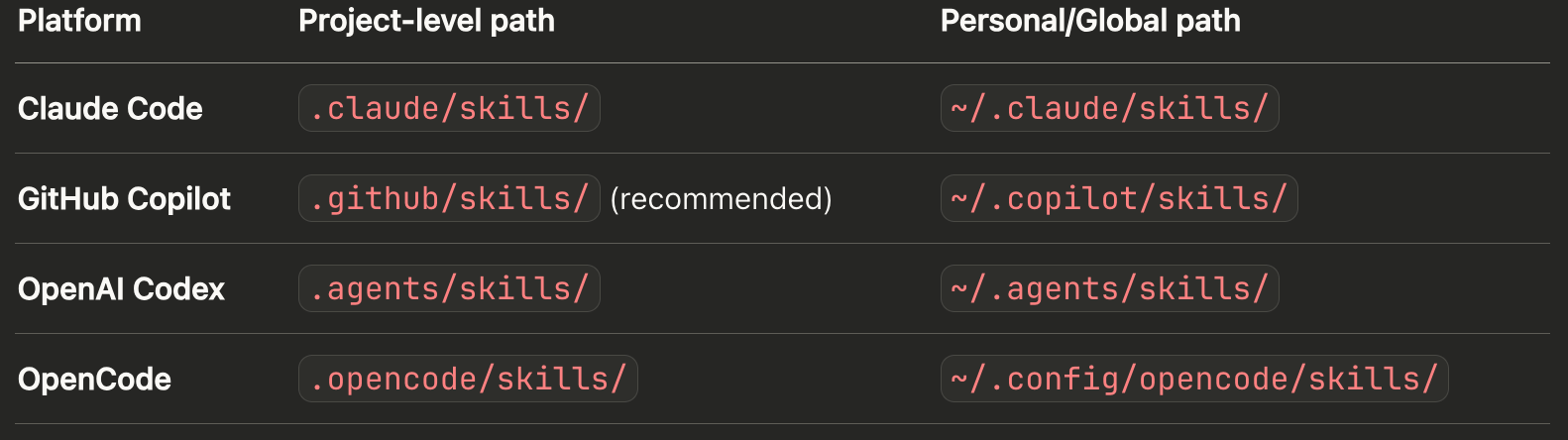
There are two levels of directories - your home directory and the project directory. Project skills would live in the git repo, and personal skills would live in your home directory.
To use Skills - as long as the Skill lives within the project level or global/personal directory, it will be automatically picked up by the Agent. For example, if you're using Claude Code, the Skill will be picked up automatically without you having to tell the Agent about it if it exists in the ~/.claude directory. The Provider you're using (Claude, Codex, etc.) will do an automatic scan of the global/personal and project-based directories.
To make the process more streamlined, you can save Skills within agentregistry and use them within the Agent deployment from agentregistry (it allows you to not only store Skills, but use them when deploying Agents from agentregistry).
Conclusion
The goal of implementing a Skill is to extend quality of output across Agents. Because Models are built with so many weights/parameters, it's a lot of information that a Model holds on to, but it can also be fairly generic. With Skills, you can make your Agent an expert in the particular domain you're working in.


Comments ()