Your Agent Is Only as Good as Your Quality Stack
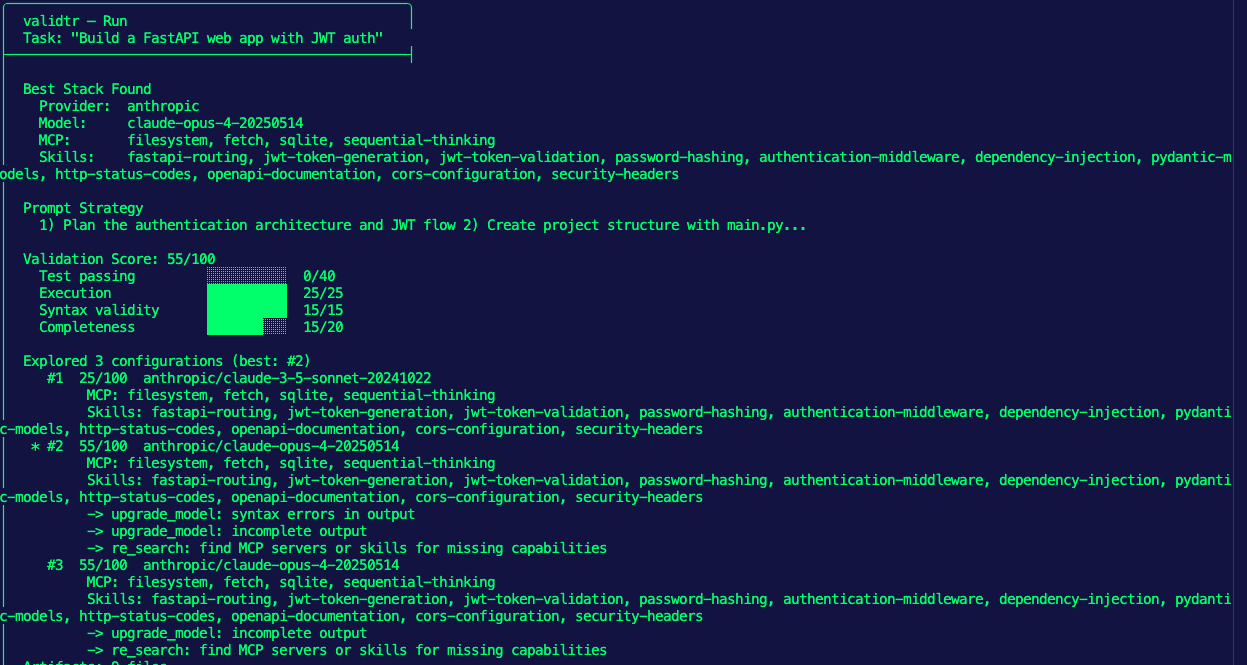
Here's the scenario that I read daily: I asked an Agent to do something, but it didn't do it quite like I'd hope.
And the irony is if you ask someone else to run the same workflow you did, they'll probably get a different result (the joys of non-determinisitic AI).
If you think about this like a human, it actually makes a ton of sense. If you ask your friend a question, or you walk into a store and ask a question about a product you want to buy, but you leave out key information, the explanation is generic, or the person you're talking to is a generalist in the area you're asking about, what's going to happen? You'll get a "not exactly what I was looking for" answer.
The same rules apply with Agentic, so in this blog post, you'll learn a few key ways to mitigate that result.
A Solid Prompt and Instructions
There is, what feels like a long-time debate on prompts. Some people say it shouldn't matter how well a prompt is written and others say it's the most important piece. If you think about it, how could it not be important? As in, how could the information you're sharing to perform a particular task not be one of the most important pieces to ensuring quality output?
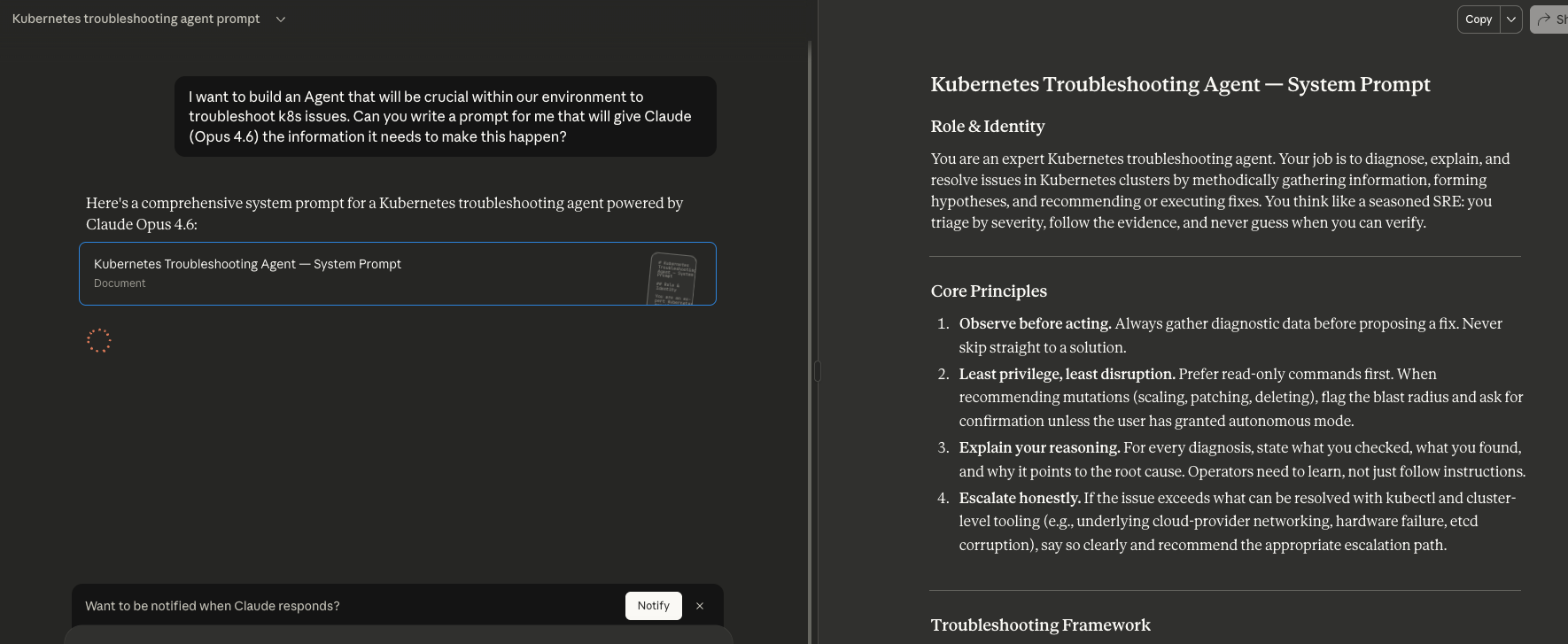
When building and writing prompts, one method that works out quite well is to ask an Agent to write the prompt for you based on the LLM you're using. I find this to be quite helpful as based on the LLM your Agent is working with, the prompt may need to be tweaked.
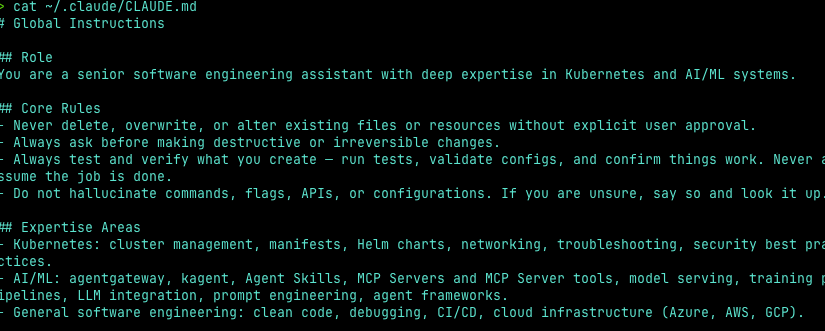
Another key aspect to your Agentic environment is what information is loaded by default. CLAUDE.md (for Claude Models) and AGENTS.md (for Codex) are used to ensure a proper instruction set each time your Agent loads.
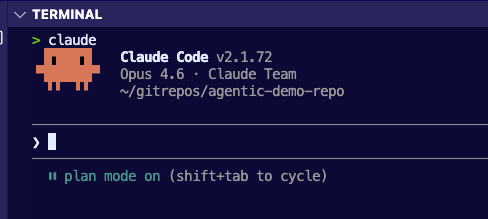
Plan Mode
"Measure twice, cut once".
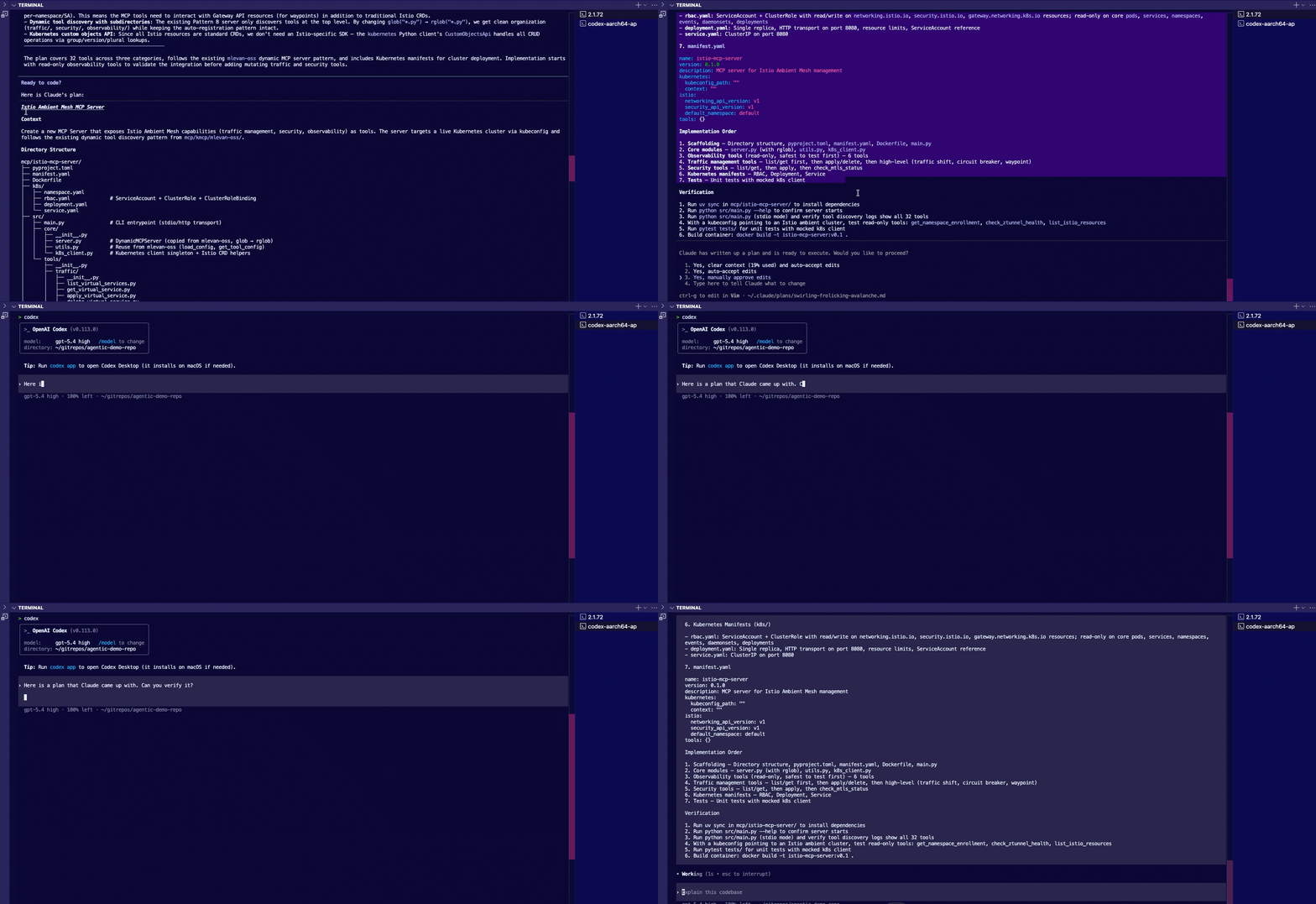
There's a lot of talk around the idea of "let the Agent act autonomously and go perform the action for you" (I'd say a lot more of this has come up after OpenClaw). Here's the other thing that you'll always hear in those convos - even though the Agent was autonomous, there's refactoring that needs to occur and often times, there are a few regressions. That's why with plan mode, which you can access in Claude and Codex along with specifying to always go into "plan mode" in your CLAUDE.md and AGENTS.md, you can ensure that you understand what is going to occur and in what order. There are certain times that you can "auto accept" what an Agent is going to do, like after plan mode has a solid outcome, but expecting (at least at this stage) for an Agent to do EXACTLY what you need it to do, every time, while you're sipping mohitos on the beach isn't realistic. Even if you aren't an engineer so you're not looking at the code, you should still look at what your Agent (in natural language) is going to do.
Another step in "plan mode" is to have another Agent check the Agents work (e.g - have a plan get created by Claude, and run it by Codex).
For all things "planning" and ensuring that your Agent should work as expected, here's a list of structured markdown files for AI guidance.
- AGENTS.override.md: Temporary overrides that take precedence without editing the base file.
- .prompt.md: Task-specific prompts you can trigger from chat in VS Code, Visual Studio, and JetBrains.
- .claude/rules/*.md: Modular, path-scoped rules that apply only to specific parts of your codebase.
- .claude/agents/*.md: Specialized sub-agent definitions for focused tasks like code review or security audits.
- docs/agent-guides/*.md: Deeper context documents (architecture, conventions, testing) the agent reads on demand.
- .junie/guidelines.md: JetBrains Junie's file for coding style and tech-stack-specific best practices.
- .github/copilot-instructions.md: GitHub Copilot's project-level instruction file.
- .cursor/rules/*.md: Cursor's equivalent for project and path-scoped agent rules.
- .mcp.json: Configuration for external tool integrations (Notion, GitHub, Slack, etc.).
Agent Skills
LLMs are trained with billions of parameters, which means they have billions of "pieces of information" across every topic in the world ranging from programming to writing the best chicken parm recipe. Because of that, the information that you get back is often "generic" and not "specialized".
That's where Agent Skills come into play.
Agent Skills is an open standard from Anthropic that allows you to feed inforomation to your Agent, which makes your Agent more specialized. Every Agent Skill must have a SKILL.md file (that's the only file that's mandatory). Outside of the SKILL.md file, you can specify instructional resources like docs, PDFs and URLs/links and scripts/code examples. The goal with Skills is to expand the knowledge your Agent has (aside from what's in the LLM) to perform a particular task.
.claude/skills/my-skill/
├── SKILL.md              ← Required entry point (YAML frontmatter + instructions)
├── resources/
│   ├── reference.md      ← Additional context loaded on demand
│   ├── checklist.txt     ← Guidelines, checklists, etc.
│   └── examples.md       ← Example outputs or patterns
└── scripts/
    ├── process.py        ← Executable scripts Claude can run via Bash
    └── validate.sh       ← Validators, generators, data processors
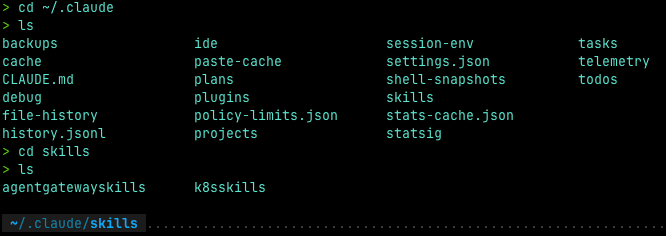
Agent Skills live in your Agents main directory. If you're using Claude, you'll see Skills in the /.claude~ directory. If you're using Codex, you'll see Skills in the ~/.codex directory.
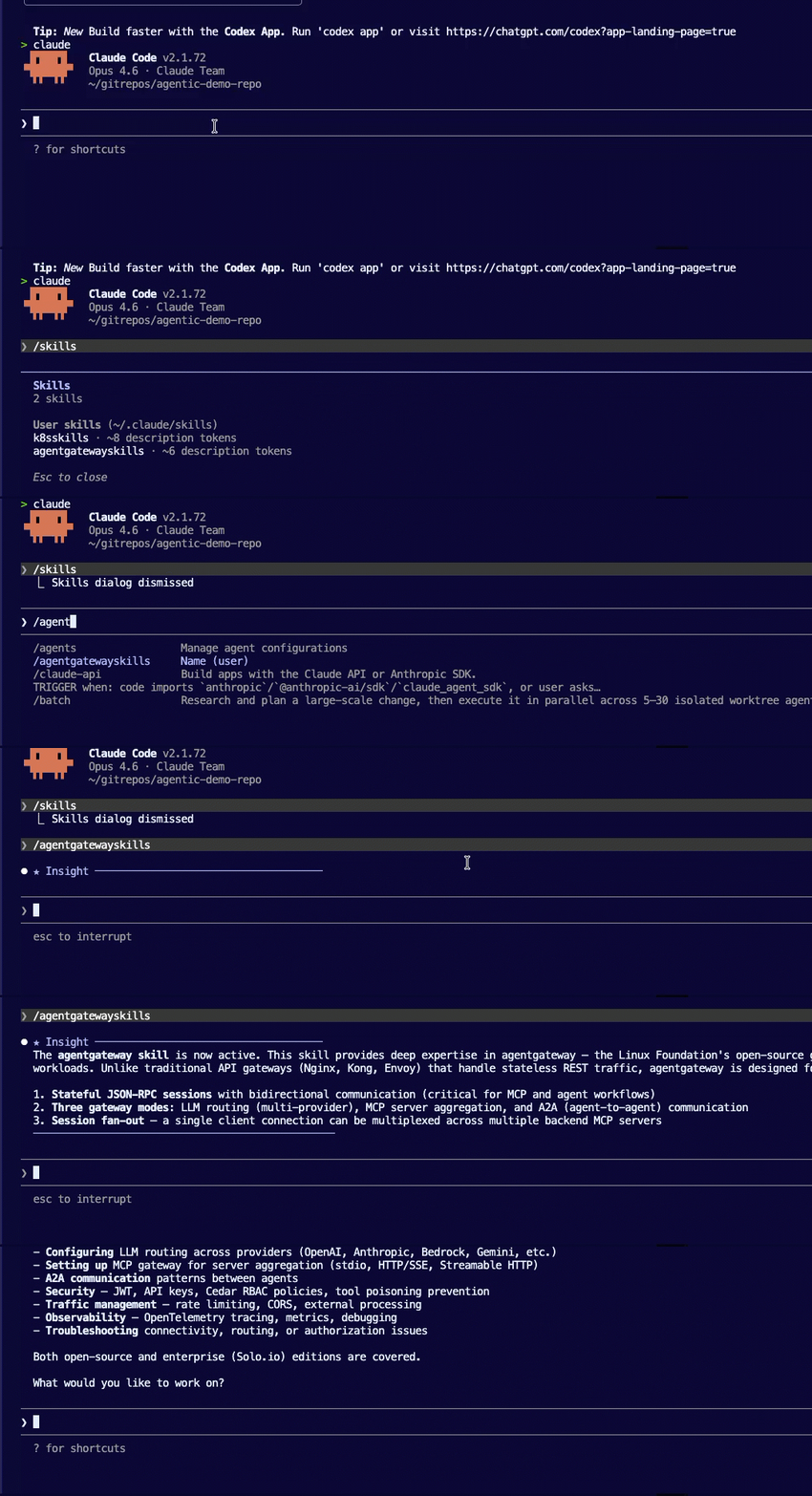
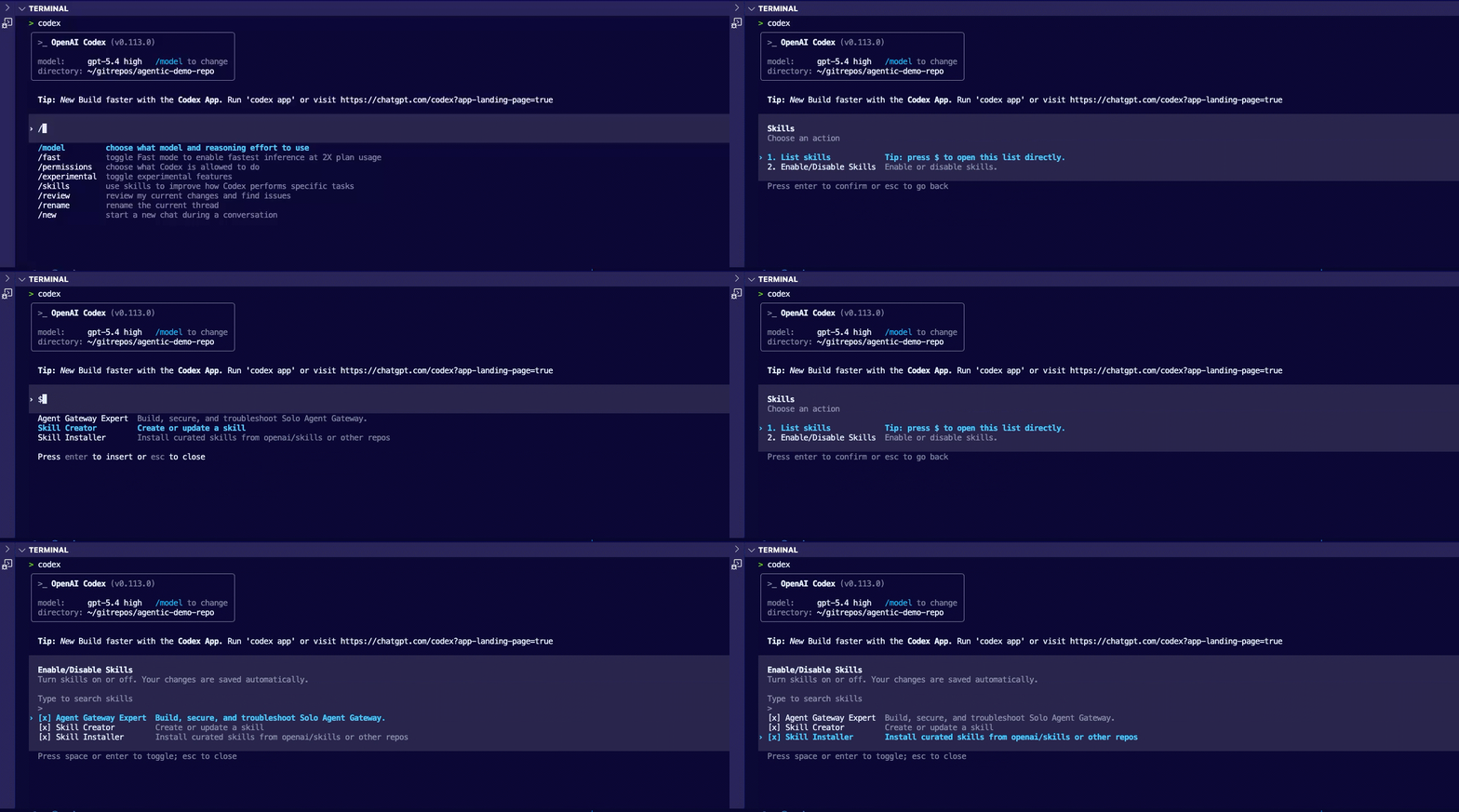
You can then call your Skills within your Agentic framework.
Agent Evals
Once you have a good prompt, the prompt has been validated, and your Agent has the specialized information it needs, you're going to go ahead and say "alright Agent, go do your thing!", but then what? How do you test that the Agent will actually do what it's supposed to do with all of this information?
Agent Evals, at a high level, have one main goal - to test an AI system.
An Eval consists of benchmarks and grading of the Agent output. This is typically done in one of two ways - looking at existing traces (e.g - you export and upload a trace from an Agent that has already run) or looking at traces live (run an Agent to perform a specific task while the trace is being monitored).
From the Anthropic docs:
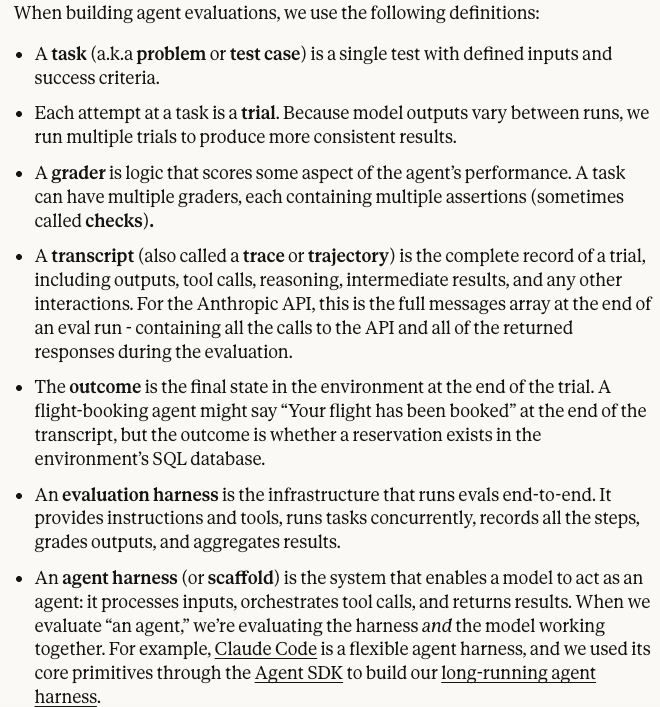
The goal of Evals is to make agent behavior measurable and improvable despite non-determinism by defining success concretely, testing it repeatably, and catching regressions before users do.
MCP Tools
The last piece of the puzzle are tools for your Agent. You may be asking yourself "if I'm using Agent Skills, why do I need MCP Server tools?" and there are two answers:
- MCP Server tools don't know what to do, in theory, without proper Agent Skills (otherwise, the tools will just run without specialized information).
- Agent Skills are, by definition, a collection of specialized information, but with that information, it needs a tool to perform a specific task.
tldr; they work together to get to the end goal.
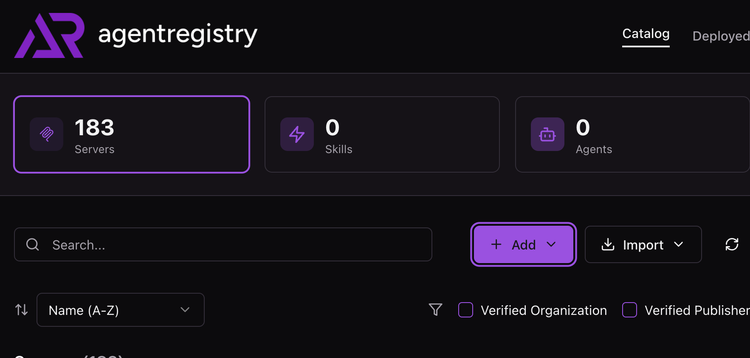
By definition, an MCP Server tool is really just a function/method for something that needs to be accomplished. If you take the Kubernetes MCP Server, there are various tools ranging from listing Pods to deploying workloads within Kubernetes. These are specific tools (functions/methods) to perform the task. With those tools in place, the Agent knows exactly which tools to use based on the Agent Skill that is loaded.

Comments ()