Route and Secure OpenAI Azure Foundry Traffic Through Your AI Gateway
As you begin to expland into various Agentic frameworks, there's a good chance you will end up choosing the one that exists within the cloud provider you're already using. If you're in Azure, that's Azure Foundry.
The question then becomes "How do I securely route and observe the traffic?".
In this blog post, you'll learn how to route Foundry traffic through a secure, reliable, and performant AI Gateway with agentgateway.
Prerequisites
To follow along with this blog post in a hands-on fashion, you'll need the following:
- An Azure account.
- Agentgateway installed (OSS), which you can find here.
What Is Microsoft Foundry
Foundry is the Agentic framework within Azure. If you use AWS and have heard of Bedrock before or GCP and have heard of Vertex AI, it's all very similar. They allow you to host Models from various providers (OpenAI, Anthropic, etc.) and connect to those Models from a centralized endpoint with the same API key/token (so you don't have to worry about various keys per provider). Some of the services, like Foundry, also allow you to connect to tools and fine-tune the Models you're working with.
The "tldr" is that it's an Agentic hosting platform to connect to various LLMs.
Azure Foundry Setup
With the knowledge around what Foundry is in place, let's dive into the setup. You'll start with setting up Foundry.
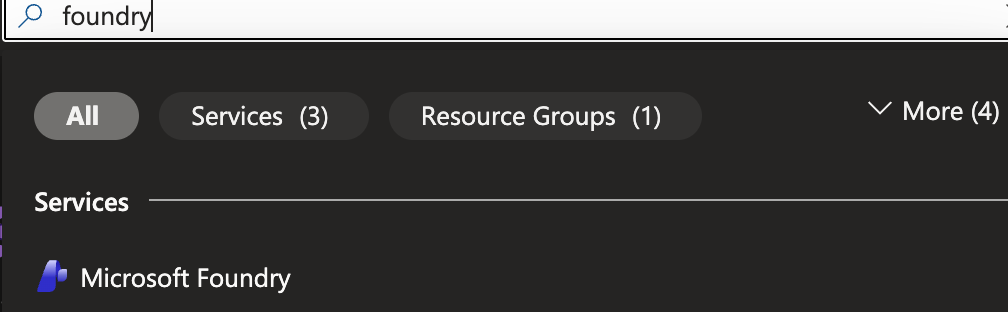
- Within the Azure porta, search for foundry.
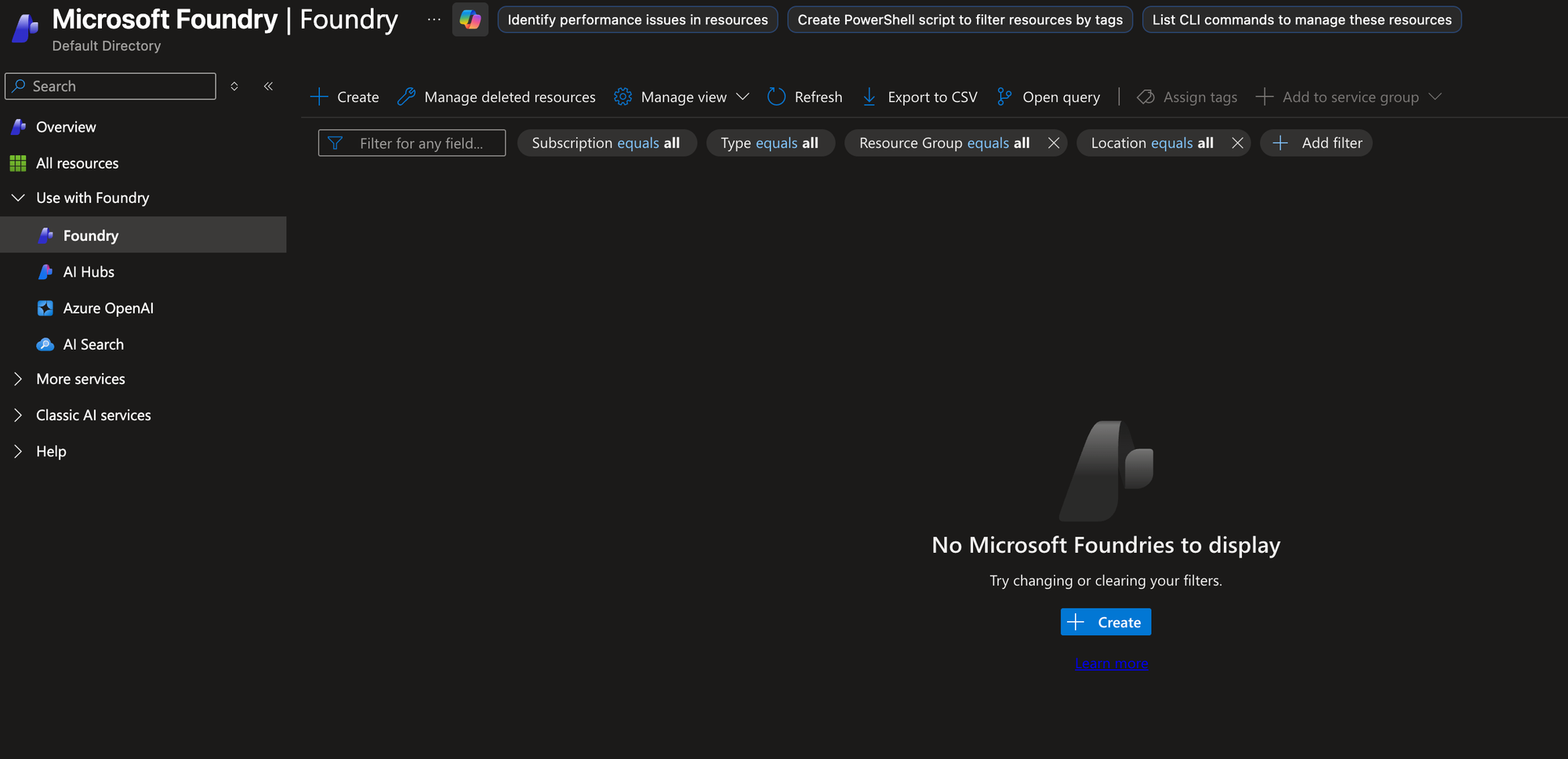
- In the Foundry portal, click the blue + Create button.
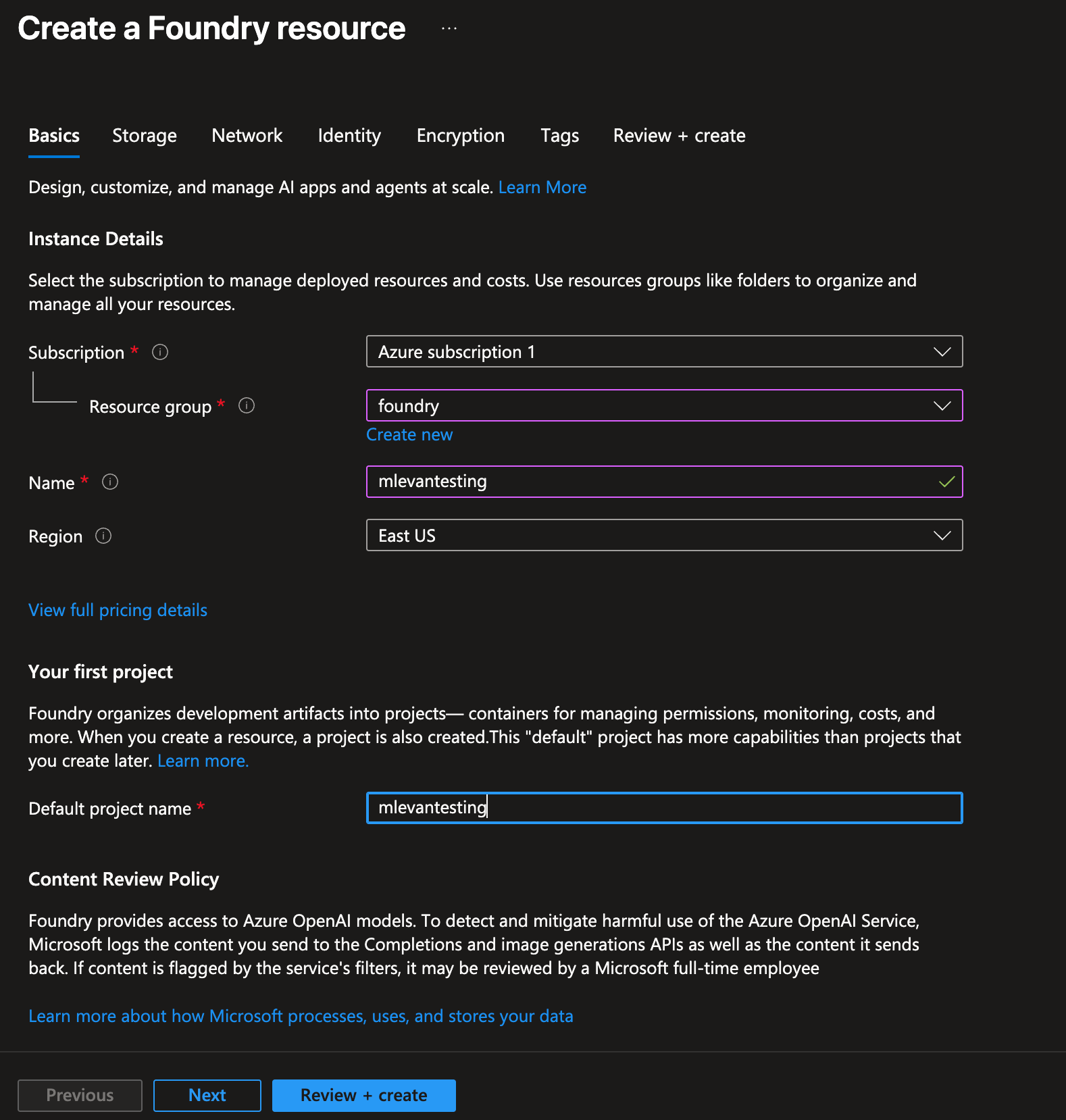
- Create the Foundry resource within your respective subscription and resource group.
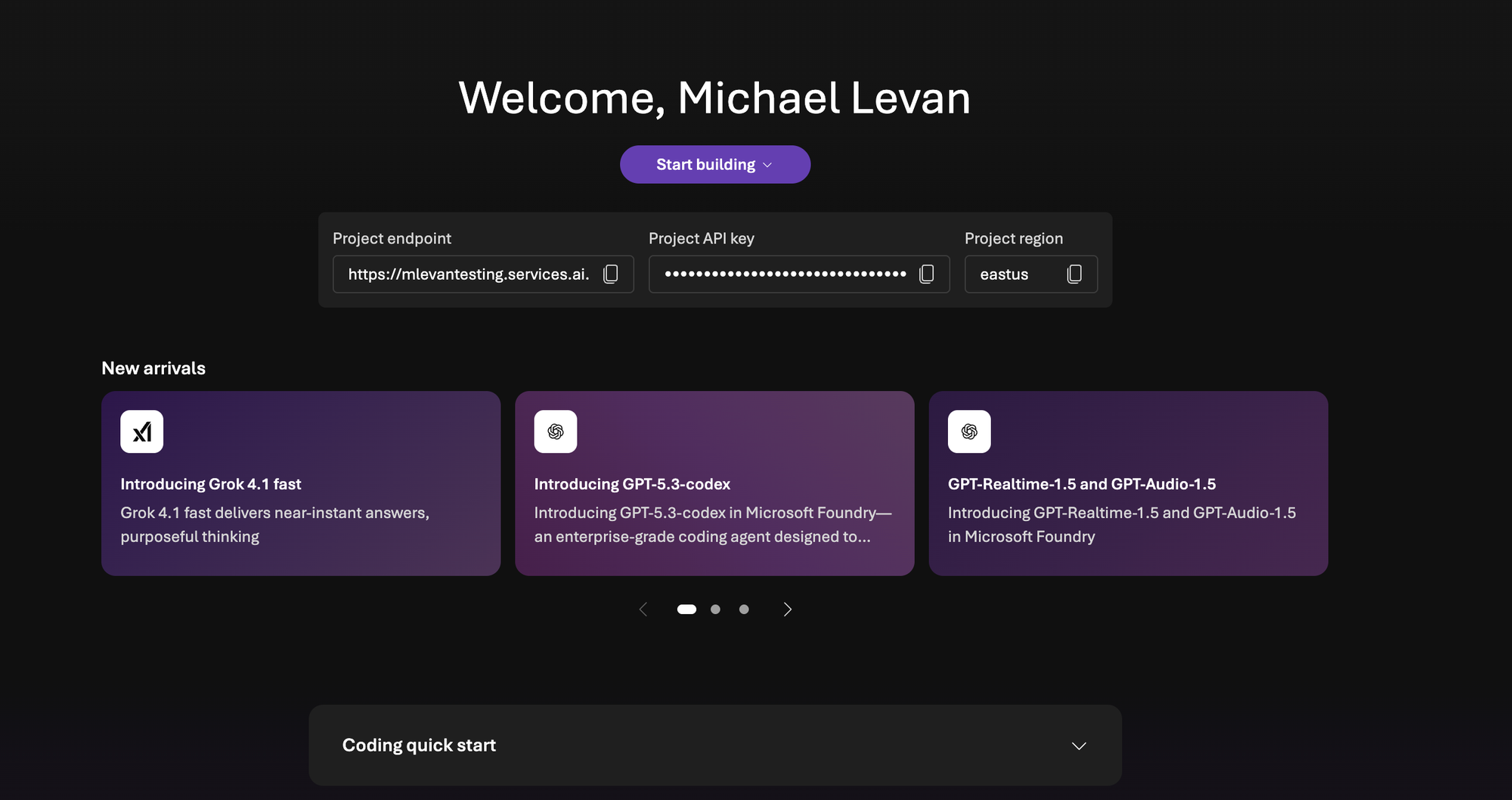
- Once Foudnry is created, you'll see a UI similar to the belo. Save the project API key. You'll need it for the next section when you create the Gateway configuration.
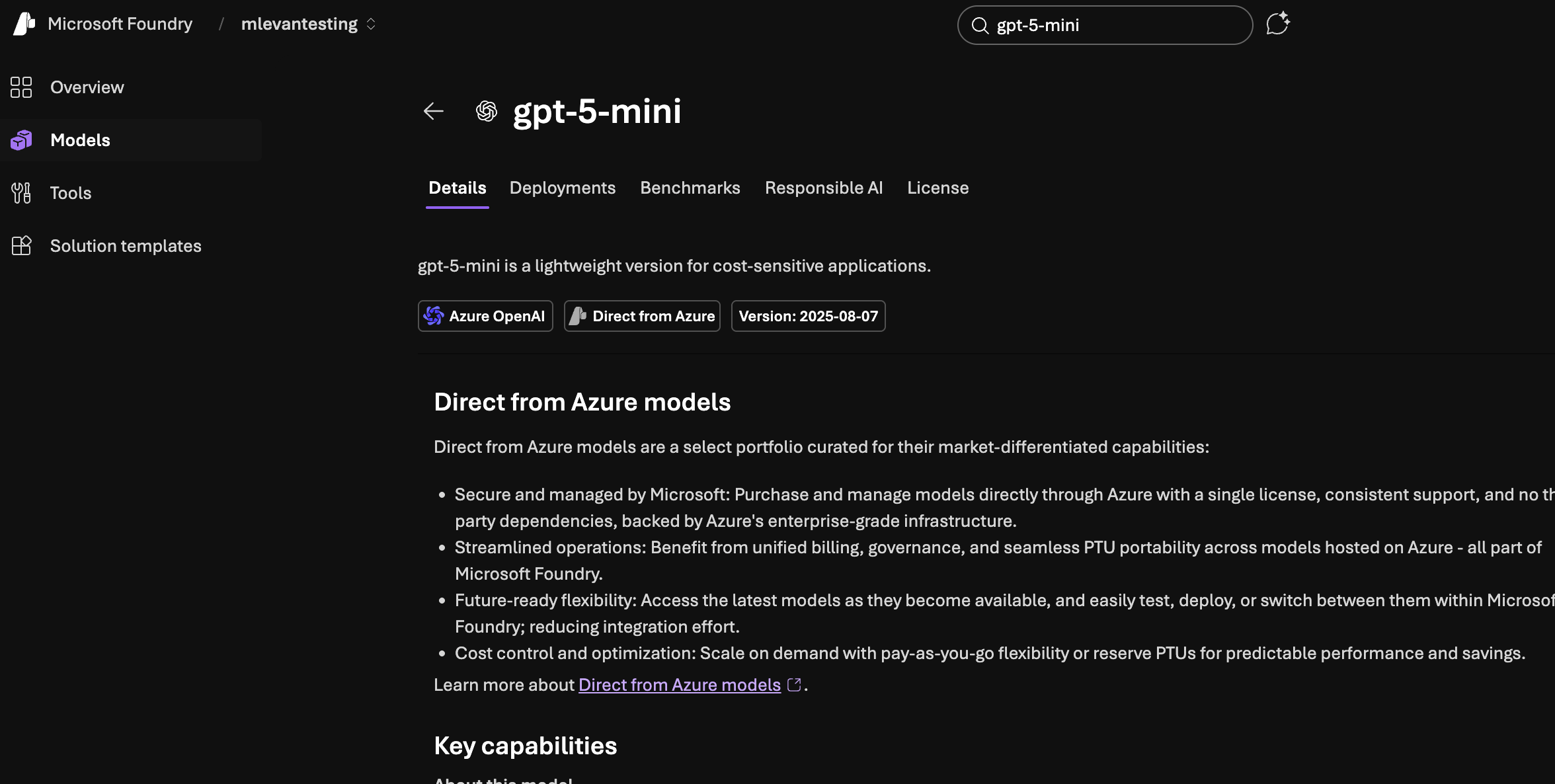
- Within Foundry, search for gpt-5-mini. Realistically, you can use any Model, but the mini Models will save you some money.
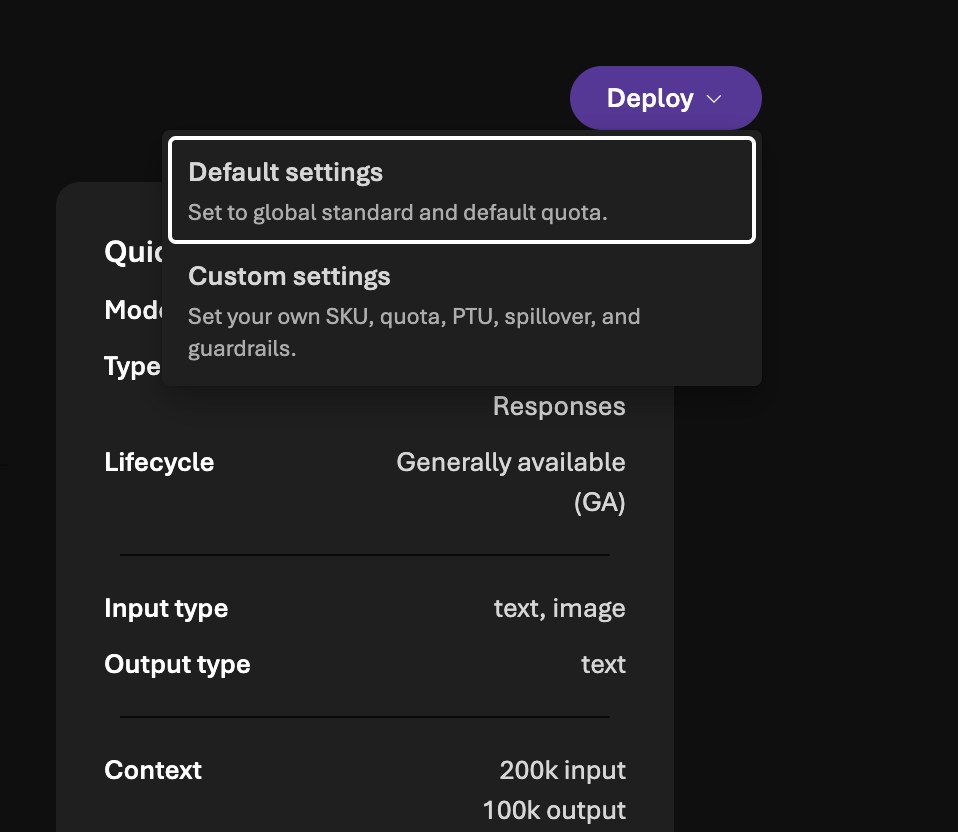
- Deploy the Model with the default settings.
With the Model deployed, you will now be able to reach it with agentgateway.
Gateway Configuration
- Create an environment variable with the Foundry API key that you saved in the previous section in step 4.
export AZURE_FOUNDRY_API_KEY=- Create a Gateway object listening on port
8081.
kubectl apply -f- <<EOF
kind: Gateway
apiVersion: gateway.networking.k8s.io/v1
metadata:
  name: agentgateway-azureopenai-route
  namespace: agentgateway-system
  labels:
    app: agentgateway-azureopenai-route
spec:
  gatewayClassName: agentgateway
  listeners:
  - protocol: HTTP
    port: 8081
    name: http
    allowedRoutes:
      namespaces:
        from: All
EOF- Save the ALB IP of the Gateway in an environment variable. If you're not using a k8s cluster that can create a public ALB IP, you can use
localhostwhen connecting to the Gateway as long as you port-forward the k8s Gateway svc.
export INGRESS_GW_ADDRESS=$(kubectl get svc -n agentgateway-system agentgateway-azureopenai-route -o jsonpath="{.status.loadBalancer.ingress[0]['hostname','ip']}")
echo $INGRESS_GW_ADDRESS- Create a k8s secret that stores the Foundry API key.
kubectl apply -f- <<EOF
apiVersion: v1
kind: Secret
metadata:
  name: azureopenai-secret
  namespace: agentgateway-system
  labels:
    app: agentgateway-azureopenai-route
type: Opaque
stringData:
  Authorization: $AZURE_FOUNDRY_API_KEY
EOF- The agentgateway backend will tell the Gateway what to route to. In this case, it's the gpt-5-mini Model. You'll also point to the Foundry endpoint.
kubectl apply -f- <<EOF
apiVersion: agentgateway.dev/v1alpha1
kind: AgentgatewayBackend
metadata:
  labels:
    app: agentgateway-azureopenai-route
  name: azureopenai
  namespace: agentgateway-system
spec:
  ai:
    provider:
      azureopenai:
        endpoint: mlevantesting-resource.services.ai.azure.com
        deploymentName: gpt-5-mini
        apiVersion: 2025-01-01-preview
  policies:
    auth:
      secretRef:
        name: azureopenai-secret
EOF- The last step is to create a route. Because you're using a GPT Model, the path will be
/v1/chat/completions, but you can set a custom route to shorten the path.
kubectl apply -f- <<EOF
apiVersion: gateway.networking.k8s.io/v1
kind: HTTPRoute
metadata:
  name: azureopenai
  namespace: agentgateway-system
  labels:
    app: agentgateway-azureopenai-route
spec:
  parentRefs:
    - name: agentgateway-azureopenai-route
      namespace: agentgateway-system
  rules:
  - matches:
    - path:
        type: PathPrefix
        value: /azureopenai
    filters:
    - type: URLRewrite
      urlRewrite:
        path:
          type: ReplaceFullPath
          replaceFullPath: /v1/chat/completions
    backendRefs:
    - name: azureopenai
      namespace: agentgateway-system
      group: agentgateway.dev
      kind: AgentgatewayBackend
EOF- Test the route to the OpenAI Model via agentgateway. Swap out
$INGRESS_GW_ADDRESSwithlocalhostif your Gateway doesn't have a public ALB IP.
curl "$INGRESS_GW_ADDRESS:8081/azureopenai" -v -H content-type:application/json -d '{
  "messages": [
    {
      "role": "system",
      "content": "You are a skilled cloud-native network engineer."
    },
    {
      "role": "user",
      "content": "Write me a paragraph containing the best way to think about Istio Ambient Mesh"
    }
  ]
}' | jq
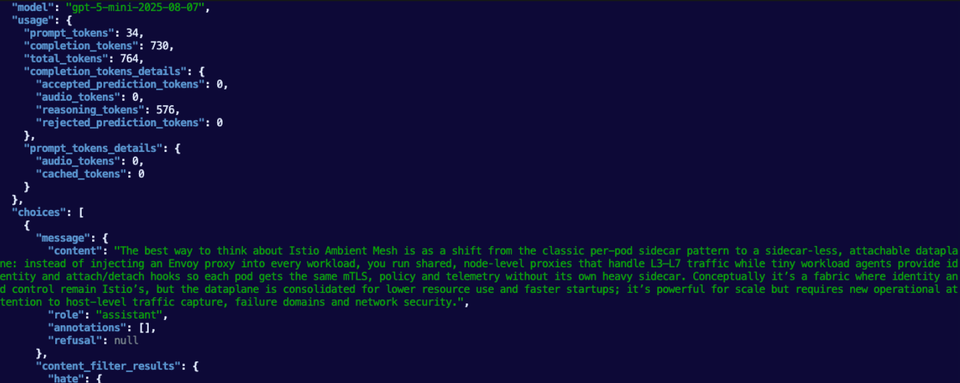
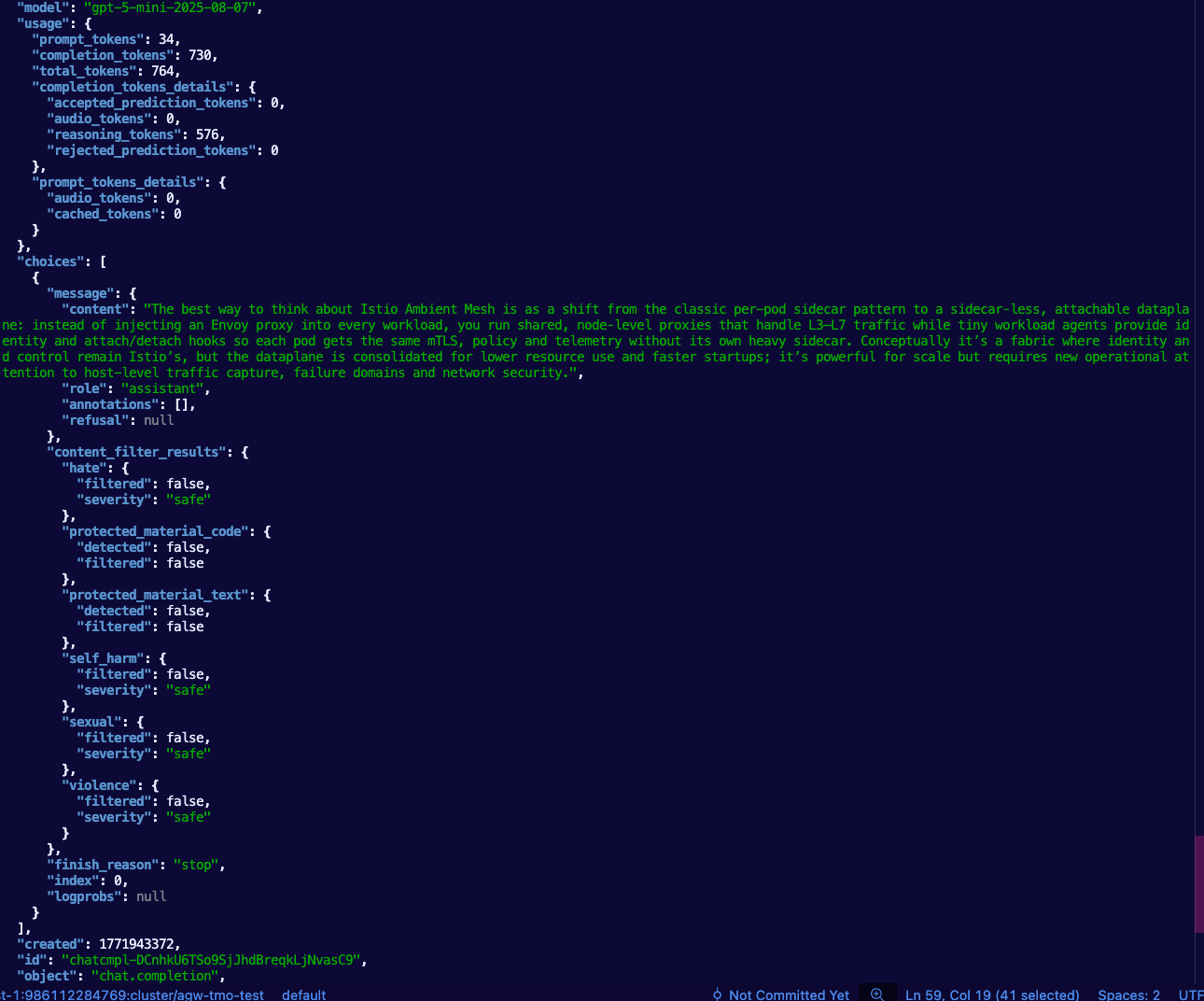
You should see an output similar to the below.

Comments ()