Agentgateway and Hermes: Route Traffic for Agentic Workloads
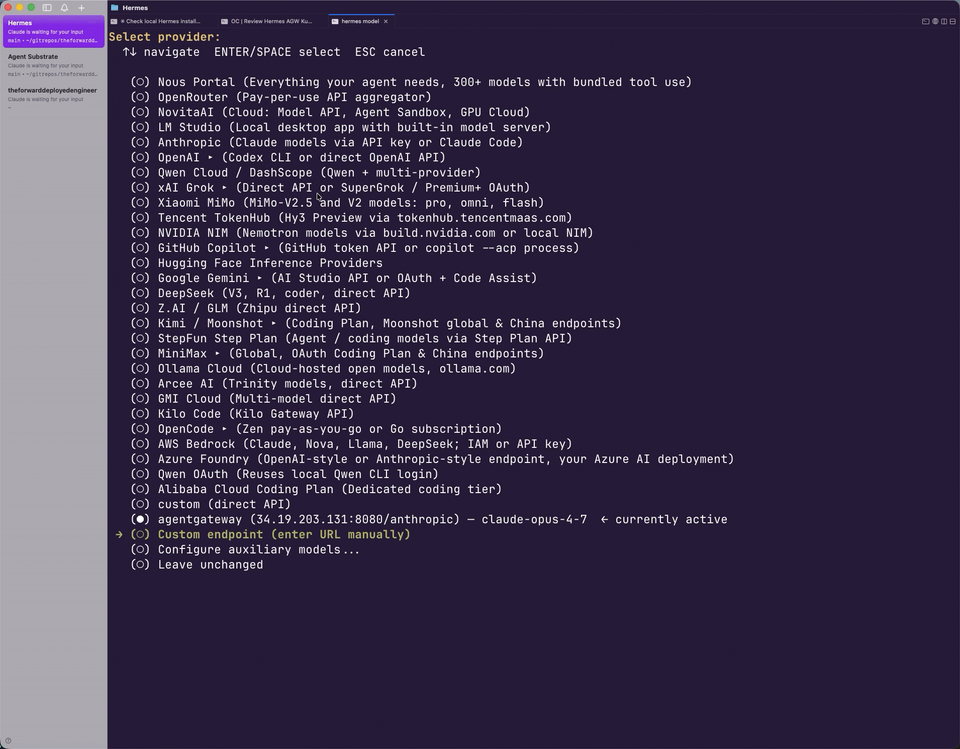
As agentic runtimes continue to grow in both features/how they’re used and new agentic runtimes come out, how we interact with Agents, Models, and MCPs will alter. For example, if you’re using Claude Code, you may have a much different experience in comparison to using Codex. However, if you’re using an “open client” like opencode or Hermes, the features provided with said client will change the experience, including how traffic is routed through them.
The key goal, regardless of the client (Claude Code, opencode, Codex, Hermes, etc.) and how it’s interacted with is governance, guardrails, observability, and overall security when someone is using said client.
In this blog post, I break down how to properly and securely route traffic through agentgateway using Hermes.
Prerequisites
To follow along with this blog post in a hands-on fashion, you will need:
- The Hermes CLI installed, which you can find here.
- Agentgateway installed, which you can do here.
- An LLM provider for the agent/gateway to reach. All providers that are supported by agentgateway can be found here.
Tldr; What Is Hermes
Hermes is an Agent/Client/Runtime much like Codex, Claude Codex, and opencode. It’s OSS, like opencode, and has both a CLI to interact with it via a terminal and a desktop version like Codex and Claude.
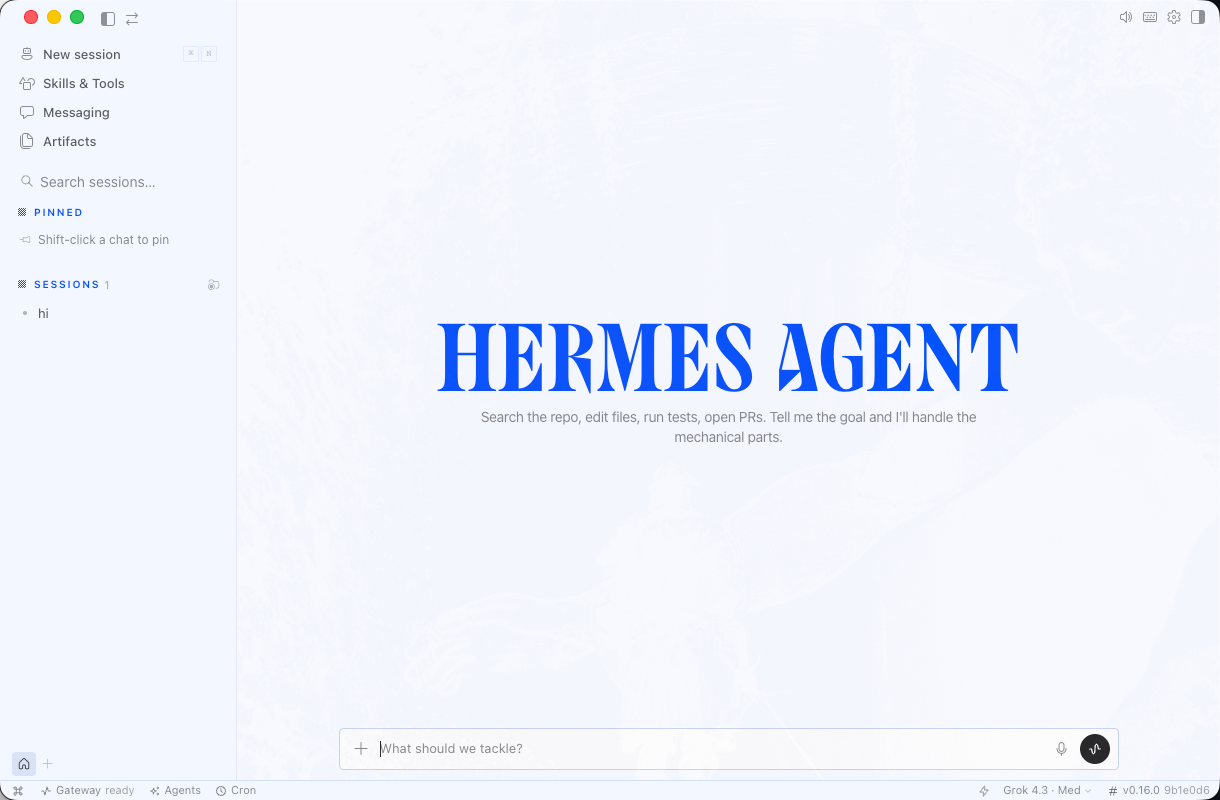
When you look at the Hermes itself, the catchphrase is “the Agent that learns with you”. That’s not entirely a differentiating factor in comparison to other Agents, but what is a differentiating factor is the fact that Hermes will actually build Agent Skills with you while prompts/learning/context is being built out. Instead of you manually having to create a Skill and say “Agent read this”, Hermes will build out the Skill while you’re working with it.
With the theory of Hermes complete, let’s dive into the hands-on pieces.
Configure Agentgateway
The first thing that you will need to do if you want traffic routing through agentgateway from Hermes is to set up agentgateway. With a few objects in k8s, you will have a full, working AI gateway control plane and proxy to route traffic through.
For the purposes of this blog post, Anthropic will be the LLM to use, but as mentioned in the Prerequisites section, there are a lot of providers to choose from.
- Specify an API key from your LLM provider to store as a secret.
export ANTHROPIC_API_KEY=- Store the secret in a k8s secret.
kubectl apply -f- <<EOF
apiVersion: v1
kind: Secret
metadata:
  name: anthropic-secret
  namespace: agentgateway-system
  labels:
    app: agentgateway-route
type: Opaque
stringData:
  Authorization: $ANTHROPIC_API_KEY
EOF- Create a gateway/proxy to route traffic through with Hermes.
kubectl apply -f - <<EOF
apiVersion: gateway.networking.k8s.io/v1
kind: Gateway
metadata:
  name: agentgateway-hermes-route
  namespace: agentgateway-system
  labels:
    app: agentgateway
spec:
  gatewayClassName: agentgateway
  listeners:
    - name: http
      port: 8080
      protocol: HTTP
      allowedRoutes:
        namespaces:
          from: Same
EOF- Create a backend so your gateway knows what to route to. In this case, it’s a Claude Model.
kubectl apply -f - <<EOF
apiVersion: agentgateway.dev/v1alpha1
kind: AgentgatewayBackend
metadata:
  name: anthropic
  namespace: agentgateway-system
spec:
  ai:
    provider:
        anthropic:
          model: "claude-opus-4-7"
  policies:
    auth:
      secretRef:
        name: anthropic-secret
EOF- Implement an HTTP route that interacts with your gateway and agentgateway backend.
kubectl apply -f - <<EOF
apiVersion: gateway.networking.k8s.io/v1
kind: HTTPRoute
metadata:
  name: claude
  namespace: agentgateway-system
spec:
  parentRefs:
    - name: agentgateway-hermes-route
      namespace: agentgateway-system
  rules:
  - matches:
    - path:
        type: PathPrefix
        value: /anthropic
    - path:
        type: PathPrefix
        value: /v1/chat/completions
    backendRefs:
    - name: anthropic
      namespace: agentgateway-system
      group: agentgateway.dev
      kind: AgentgatewayBackend
EOF- Test the gateway to ensure that traffic is routing to your LLM as expected.
export INGRESS_GW_ADDRESS=$(kubectl get svc -n agentgateway-system agentgateway-hermes-route -o jsonpath="{.status.loadBalancer.ingress[0]['hostname','ip']}")
echo $INGRESS_GW_ADDRESS
curl "$INGRESS_GW_ADDRESS:8080/anthropic" -H content-type:application/json -d '{
  "model": "claude-opus-4-7",
  "max_tokens": 1024,
  "messages": [
    {
      "role": "system",
      "content": "You are a skilled cloud-native network engineer."
    },
    {
      "role": "user",
      "content": "Write me a paragraph containing the best way to think about Istio Ambient Mesh"
    }
  ]
}' | jq
With the gateway setup and configured to route traffic to Opus, we can now configure Hermes to use the gateway for traffic routing, observability, security, and governance.
Point Hermes to Agentgateway
- Add the following to your Hermes configuration file. If you don’t already have one (you wouldn’t by default), run the following, with the change to the `base_url` specifying your ALB IP or DNS name.
cat >> ~/.hermes/config.yaml <<'EOF'
providers:
  agentgateway:
    api_mode: chat_completions
    base_url: http://$YOUR_GATEWAY_IP_OR_DNS:8080/anthropic
    api_key: dummy               # any non-empty string; route has no client-auth policy
    models:
      - claude-opus-4-7
EOF- Open Hermes on your terminal to specify the model you want to use. You should see agentgateway as a provider.
hermes model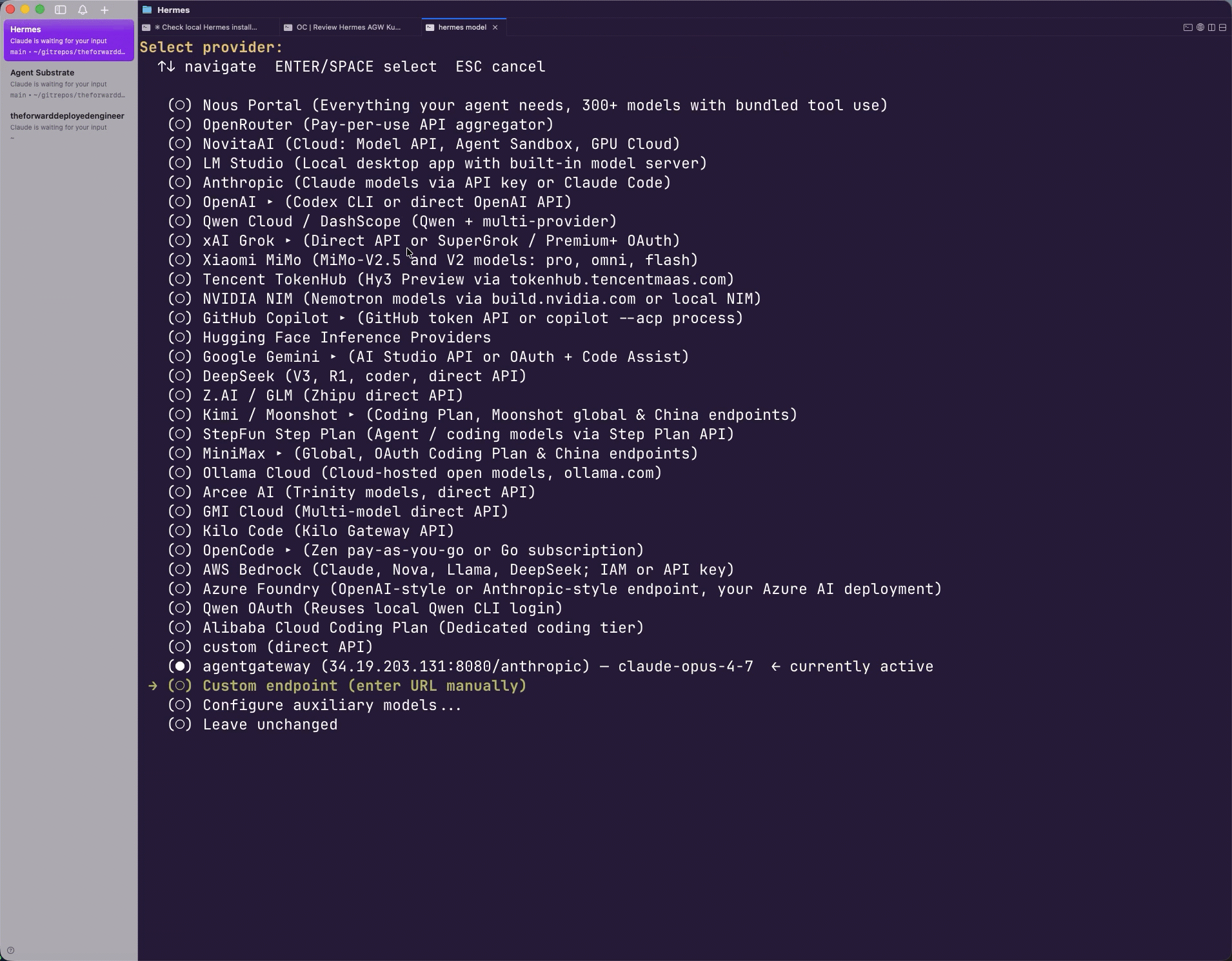
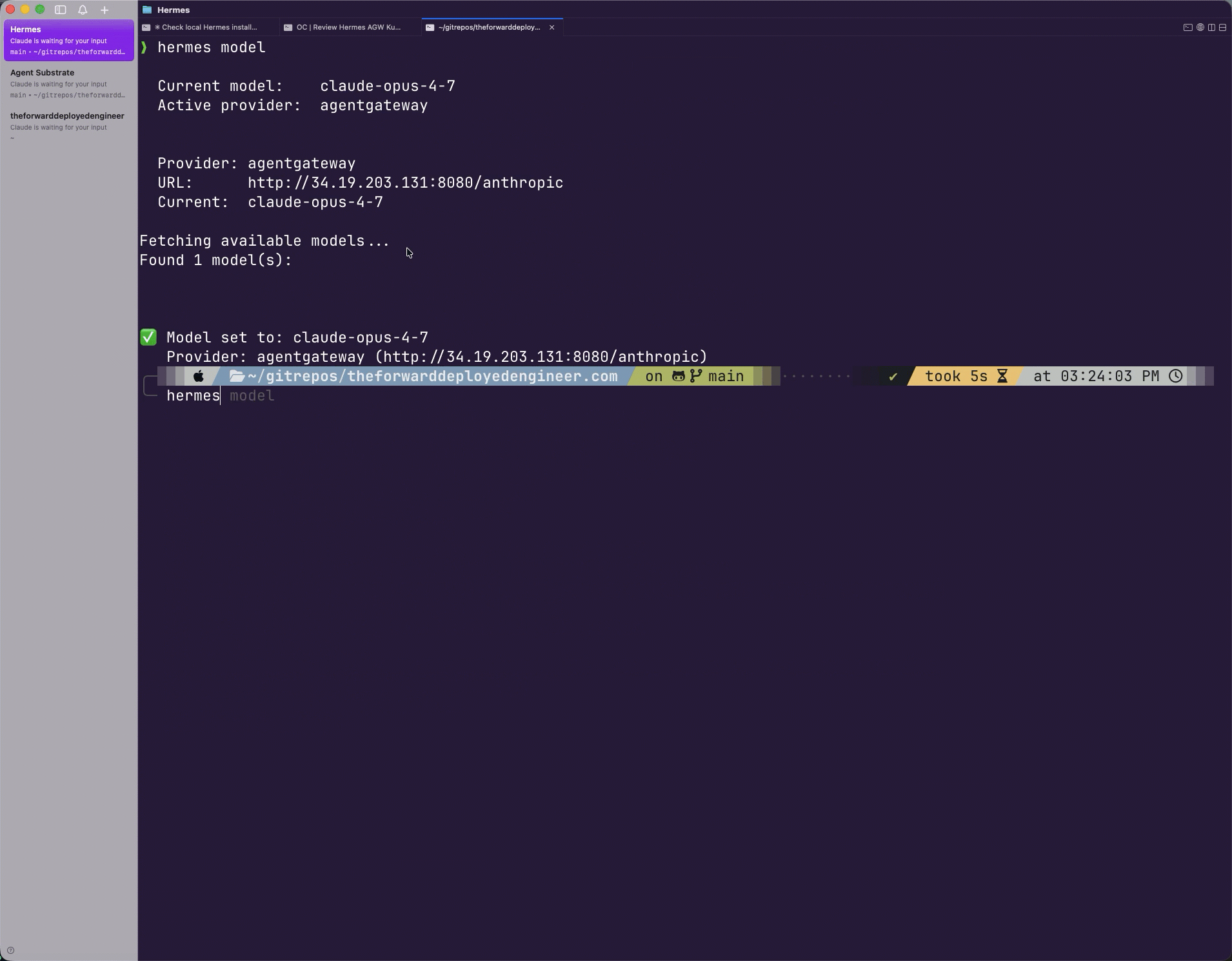
3. Test it out by running hermes and prompting it anything you’d like.
hermes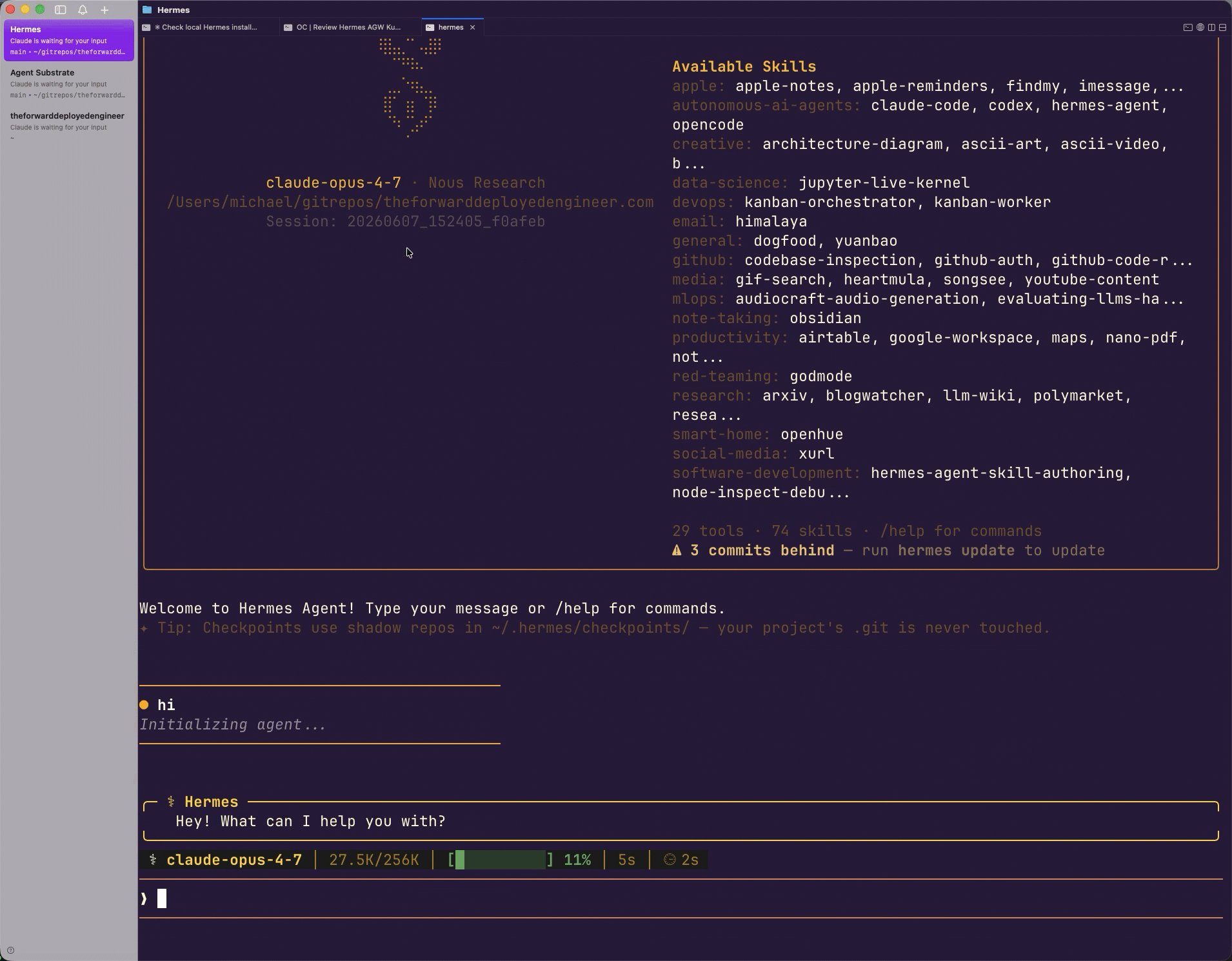
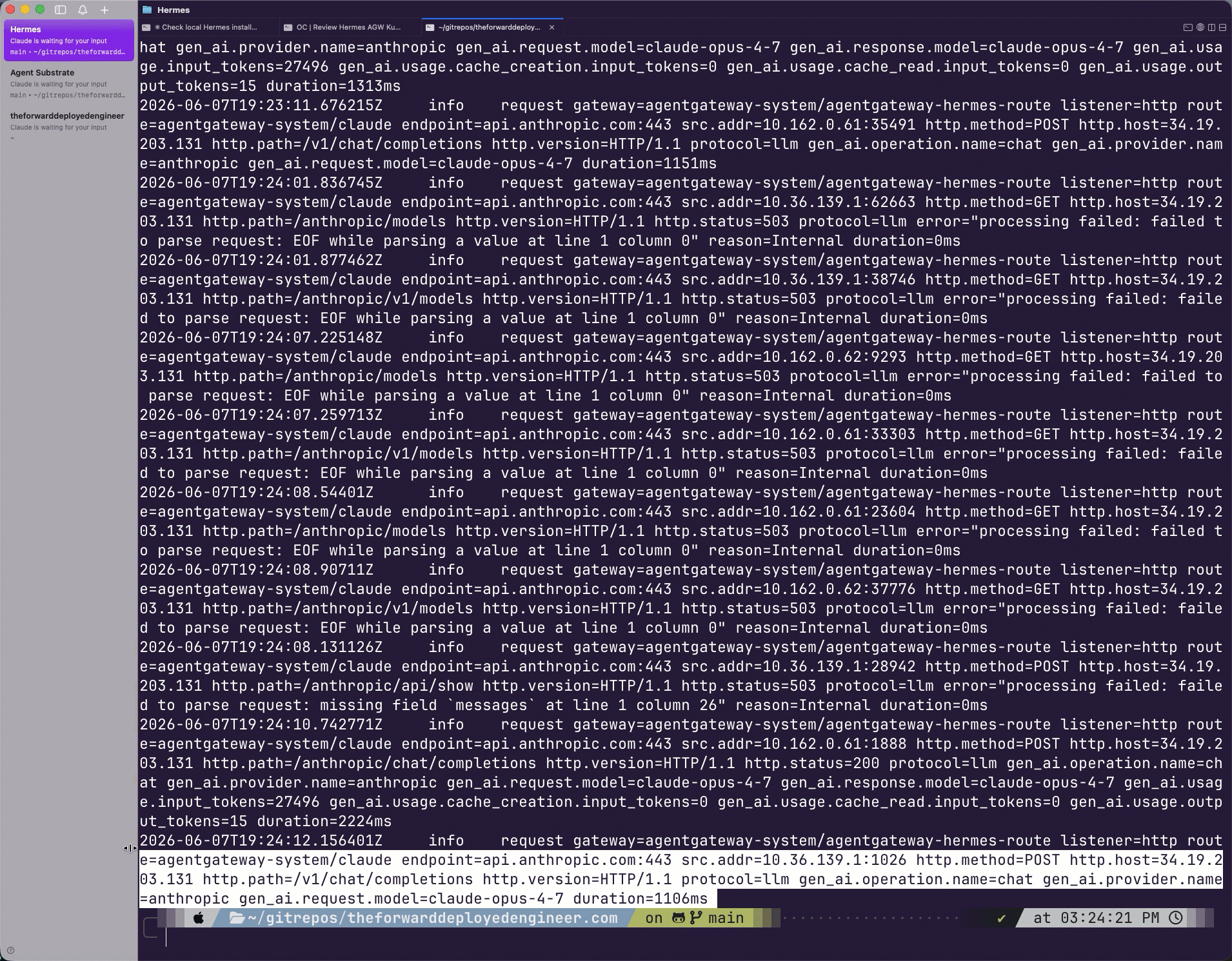
With your prompt, you should be able to see the logs flowing through agentgateway.
Wrapping Up
As new runtimes and agents come out, organizations and individuals will need the ability to route traffic through a proxy. This could be for anything from ensuring the agent performs as expected to rate limiting, guardrails, and prompt guards, to general observability over the environment and everything in between.
In this blog, you learned how to enable all of the above and much more with agentgateway.

Comments ()